 BooperCRM + Routizer
Catering delivery software: every van on one map.
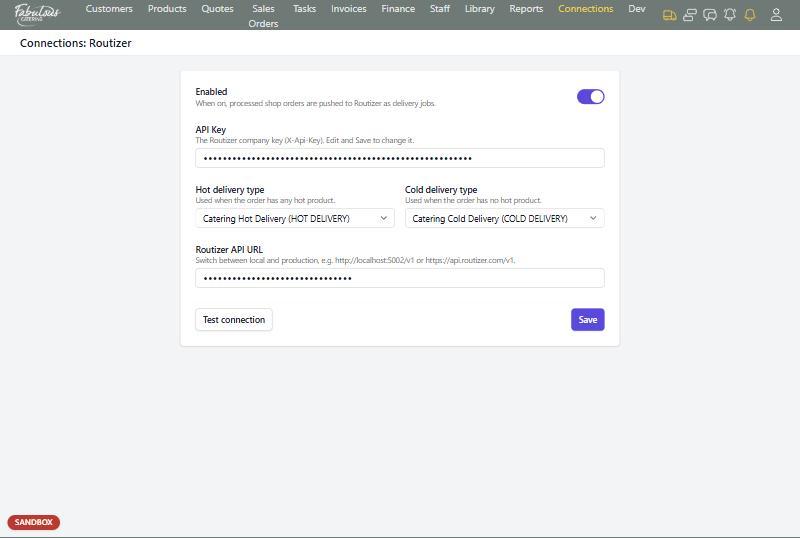
Confirmed orders become delivery runs in Routizer without anyone retyping an address. Drivers follow the route on their phone, customers get a text when lunch is on its way, and the delivery status lands back on the sales order.
Four steps, and the office only has to do the first one.
The order is confirmed
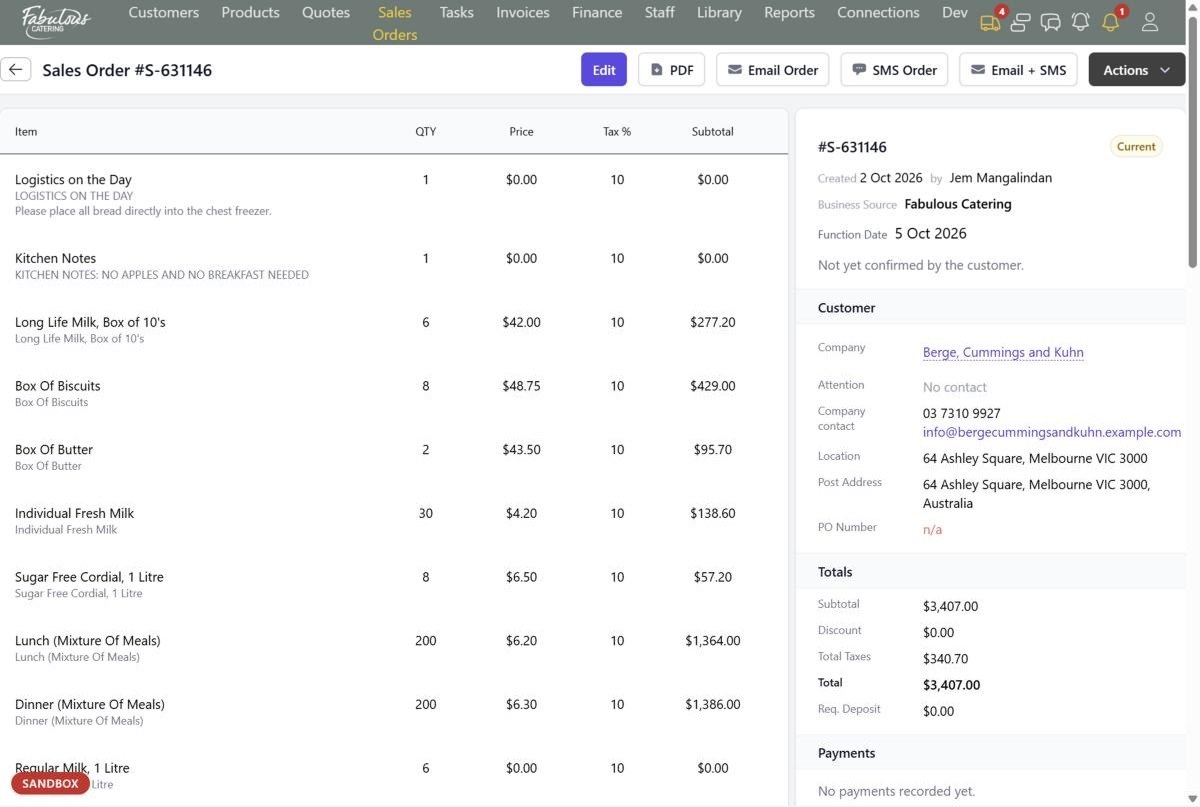
Address, delivery instructions, function time and guest count are already on the sales order.
No re-typing addressesIt goes to Routizer
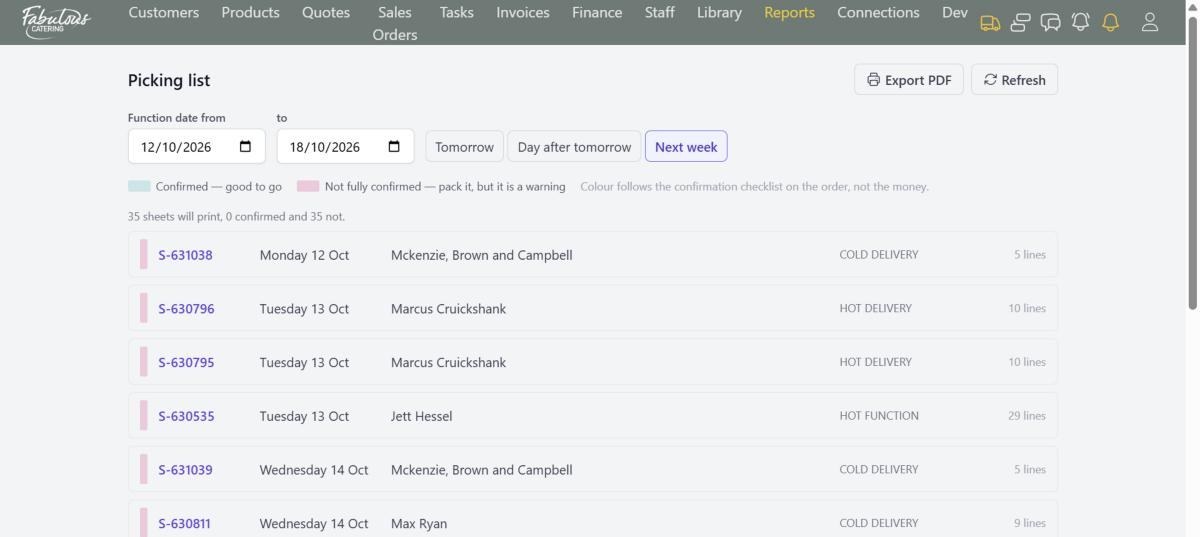
The order is sent as a hot delivery if anything on it is served hot, and cold if nothing is.
No sorting hot from coldRoutes are planned
The best stop order is worked out for each driver. Drag a late order onto the van with room for it.
No planning runs by handStatus comes back
The Delivery block on the sales order shows what Routizer reports. Check now fetches the latest.
No calling drivers for updatesSet it up once. Then it just runs.
The whole day's deliveries on one screen
Routizer's Day View lists every route with its van, driver, times and number of jobs, and draws each one on the map. Rebalance the day before anyone leaves the kitchen.
- Route optimisation that works out the best stop order per driver
- Drag jobs between drivers when an order is added at 7am
- Live status for every route: pending, dispatched, complete
- Avoid tolls, ferries or highways if you prefer
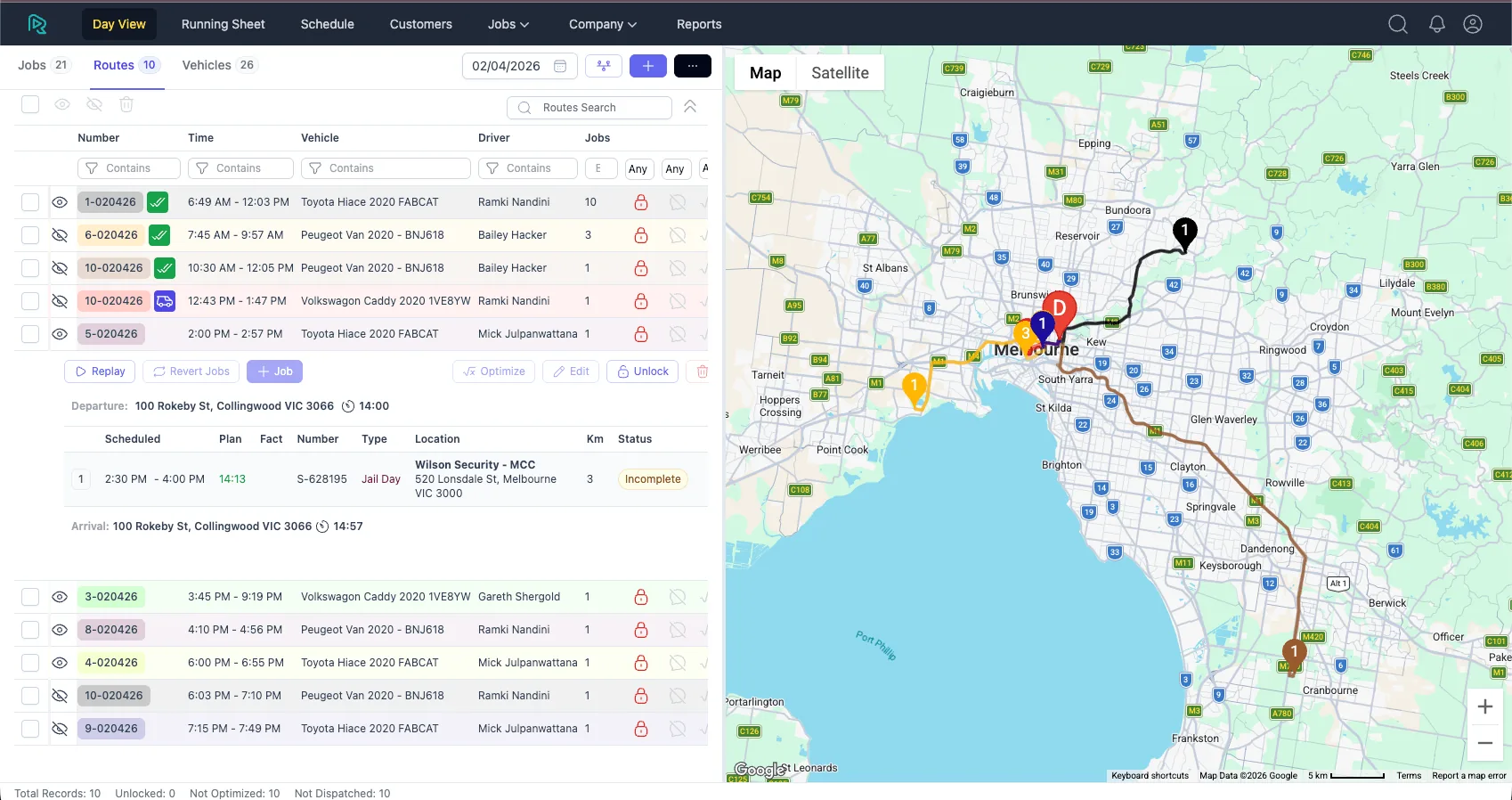
Routizer Day View: ten routes across Melbourne, each with its vehicle and driver.
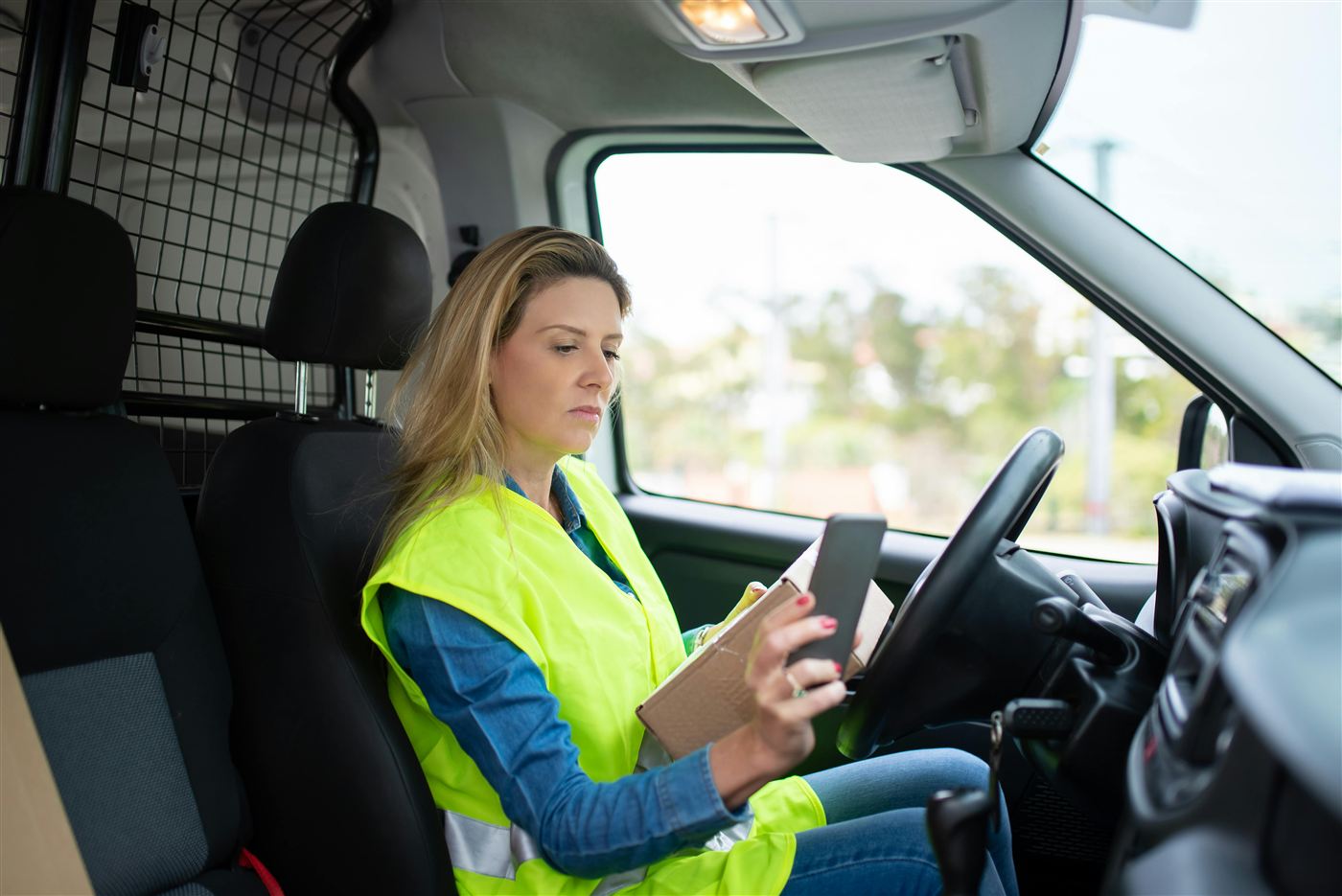
Drivers get a real app, not a group chat
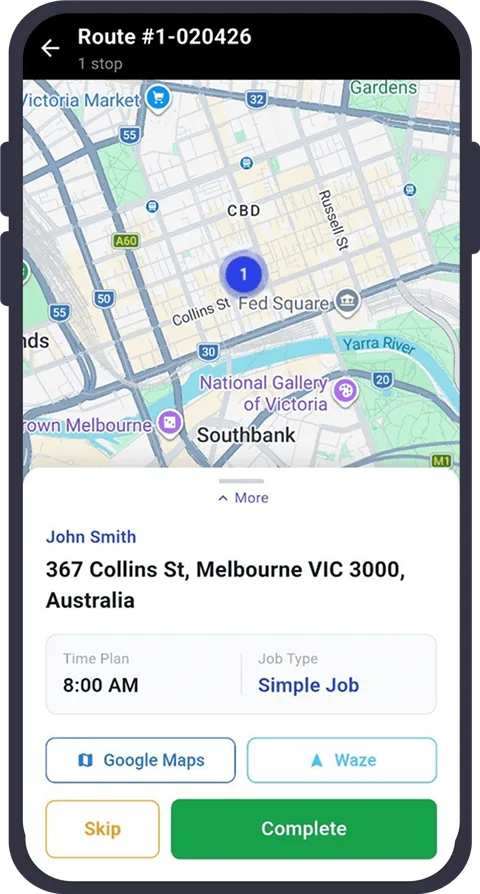
Each driver sees their stops in order, taps through to Google Maps or Waze, and marks each job complete. The office sees where every van is without picking up the phone.
- Stop list with the customer, address and planned time
- One-tap navigation with Google Maps or Waze
- Photo and signature captured at every drop-off
- GPS updates in the background, every 30 seconds
Free for your drivers on iPhone and Android.
Customers stop asking where lunch is.
"On the way" texts
Customers get an SMS or email with a live tracking link when the route is dispatched.
Proof of delivery
Every drop-off has a photo, a signature and a time, so a "late delivery" complaint is answered in minutes.
Pre-departure checklists
Drivers confirm the cutlery box, the invoice and the cold chain before the route can start.
Text messages, proof of delivery and checklists are Routizer features. Routizer is included on the BooperCRM Pro plan.
Watch an order go from quote to doorstep.
Book a 30-minute demo and we'll run one of your own deliveries through it.