Catering quote software that catches mistakes before the customer does.
Start from a saved menu, let the quantities follow the guest count, and send an online proposal the customer can accept, question or decline from their phone.
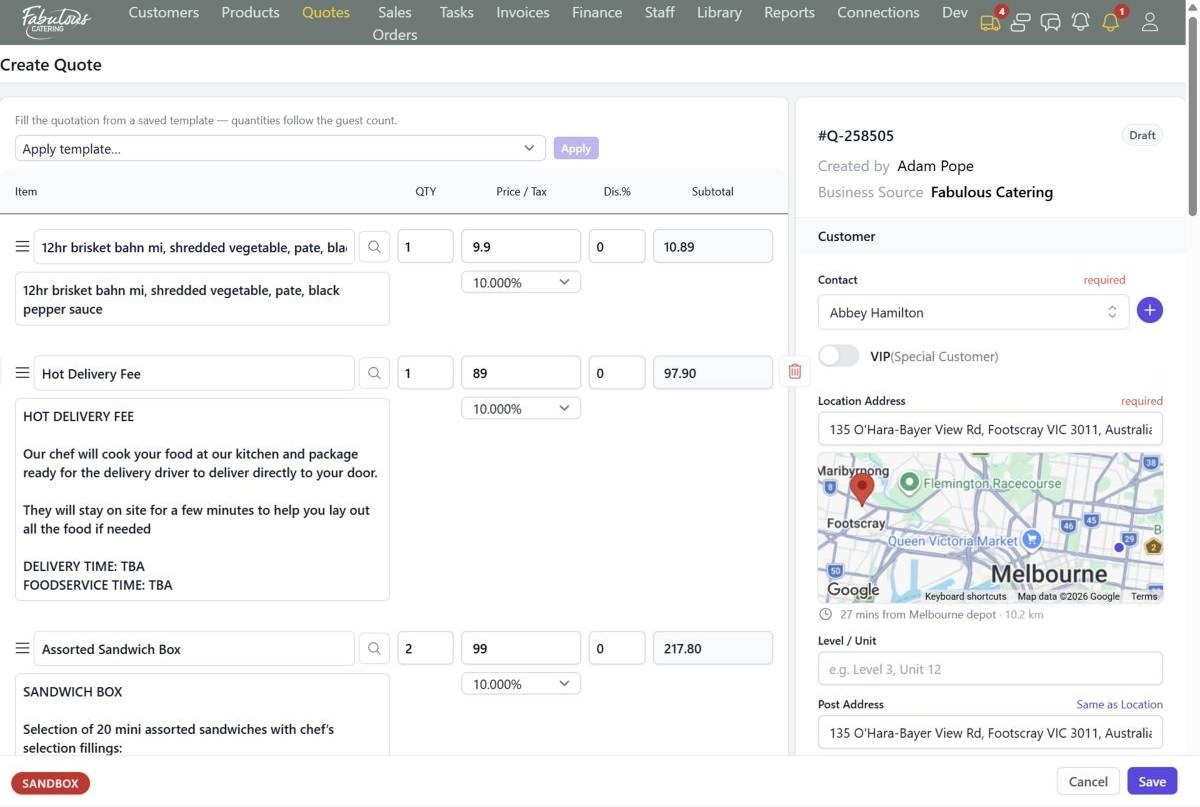
Templates that scale to the guest count
Enter the number of guests, apply a template, and the lines arrive with quantities scaled and prices taken from the current catalogue.
- Template categories such as Christmas, Delivery, Drinks and Functions
- Replace existing lines or add below
- Turn any saved quote into a template
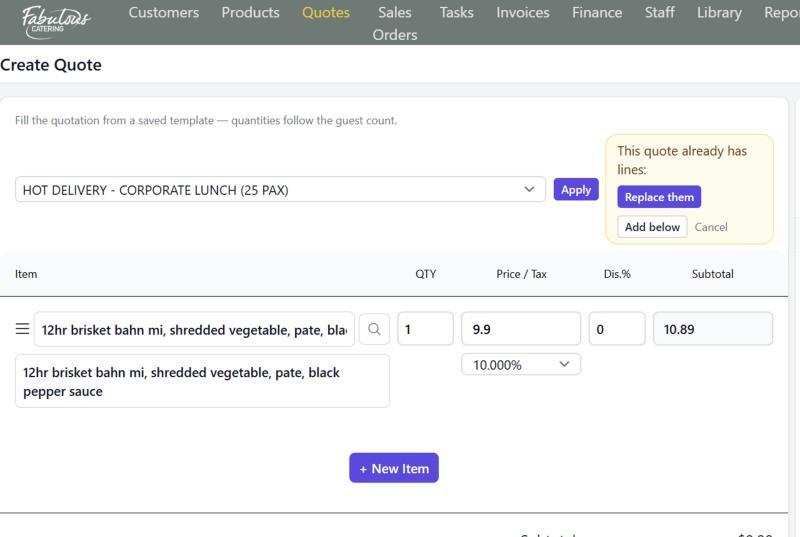
The drive from your depot, on the quote
As soon as the venue address is set, a mini map shows the pin and the drive time and distance from the depot that serves that state.
- Each depot has a drive-time limit
- A warning on save when you go over it
- See straight away if a job is close, far or interstate
Checks on every save
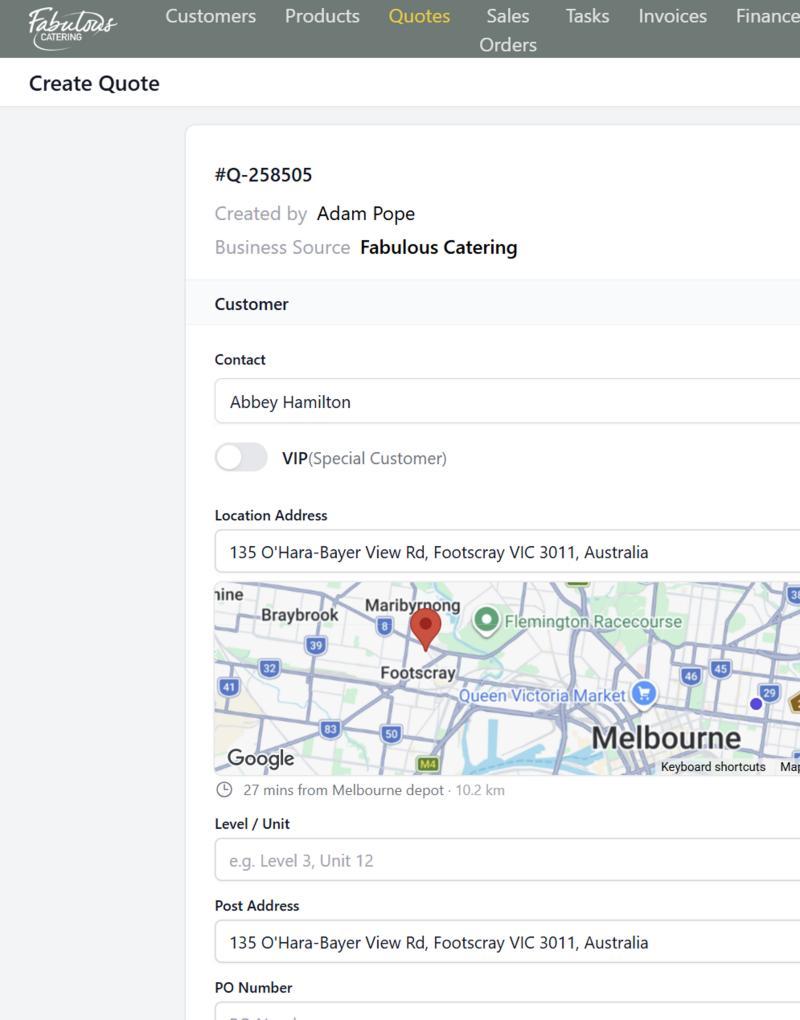
BooperCRM checks the quote and warns you before it goes out.
- Jobs under the minimum order value
- A long drive for a small job, or food that won't travel
- A trading name already booked that day, or a blocked date
- Dietary needs against every product on the menu
An online proposal the customer can act on
Email or text the quote. The customer reads it online and accepts, asks for changes, or declines with a reason. You can see who has opened it.
- Accepted quotes become sales orders automatically
- Change requests are counted for the office
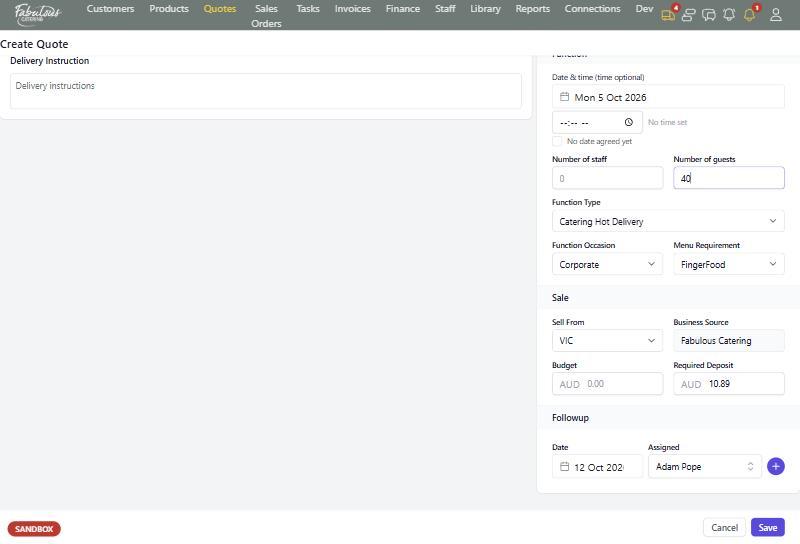
- Follow-up dates and an owner on every quote
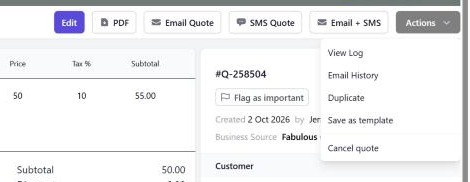
Four steps, most of them automatic.
Pick the trading name
Choose the brand the quote goes out under.
Add the customer and venue
The mini map shows the drive from the depot.
Apply a template
Quantities follow the guest count.
Send it
Email, text or both, with a link to the online proposal.
Quotes & proposals: common questions
Can I type an item that isn't in the catalogue?
Yes. It becomes a custom product, and appears on the Custom products report until someone writes its kitchen task.
Can I send a second option?
Yes. Duplicate the quote, change it and send both.
Works together with the rest of the day.
See quotes & proposals with your own menu.
Start a 14-day free trial, or book a 30-minute demo.