Catering software integrations: type it once, every system gets it.
BooperCRM is the centre of your catering business. Leads come in, orders go out to the kitchen and the vans, and money flows to your accounts. Nobody has to copy anything from one screen to another.
Delivery
Orders turn into delivery runs without anyone retyping an address. Drivers get the route on their phone, and the office sees every van on one map.

Routizer
Route planning, dispatch & driver appWhen an order is processed, BooperCRM sends it to Routizer as a delivery job. It's marked hot if any product on the order is served hot, and cold if none are, so the right van and timing are picked from the start.
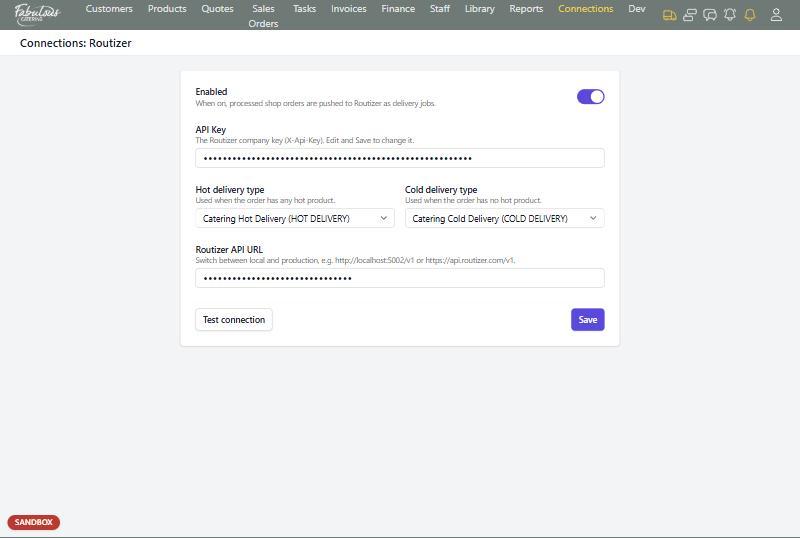
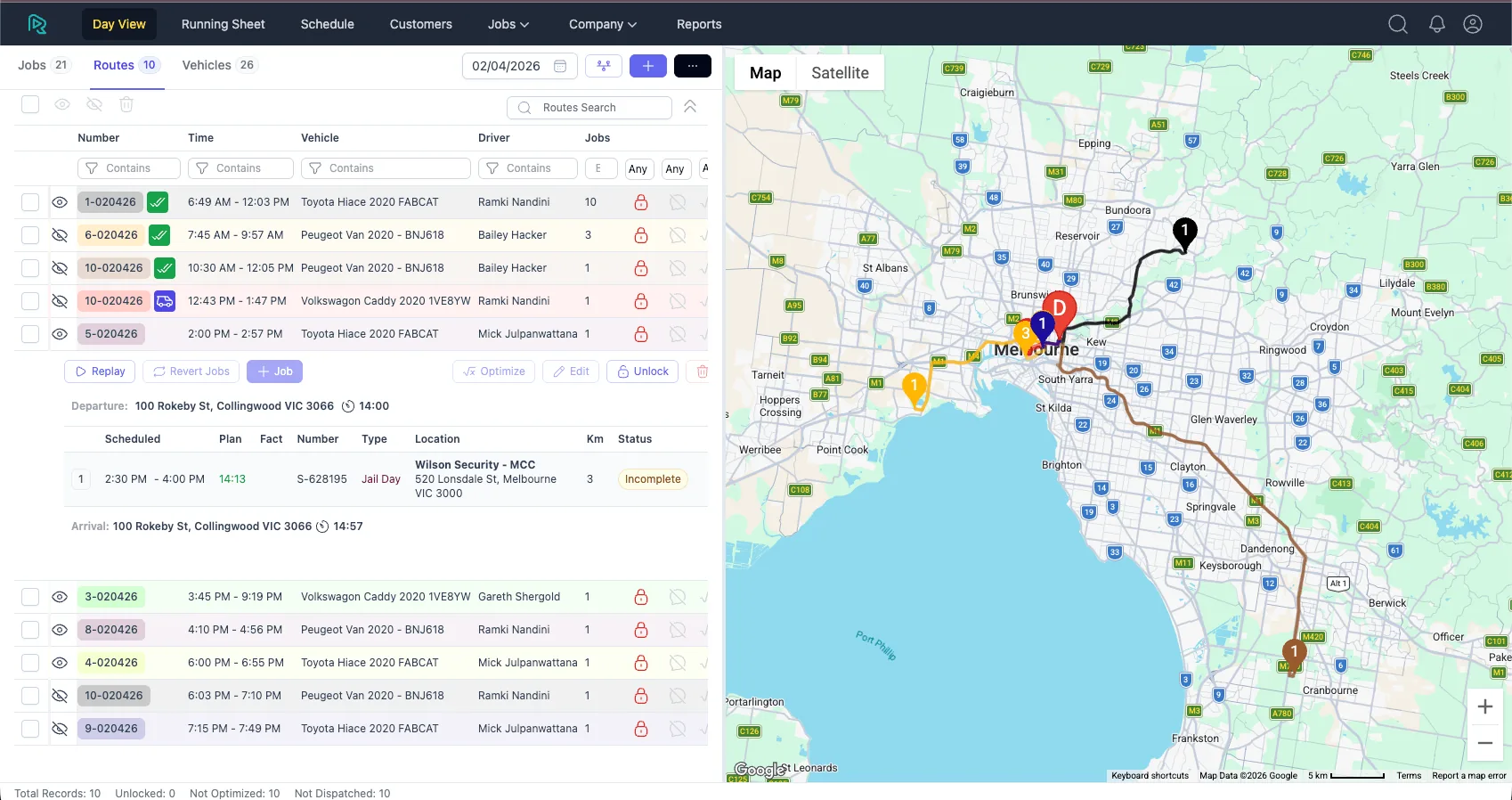
Routizer Day View: every route, van and driver for the day, on one map.
Leads
Every enquiry from your website, email and forms lands in one place, scored by how likely and how valuable it is. Your team works the best leads first.
Leadveyor
AI lead scoring & pipelineLeadveyor reads each enquiry, pulls out the event type, guest count and date, and ranks it Critical, High, Normal or Low. Each lead event is sent to BooperCRM as it happens and matched to the right contact.
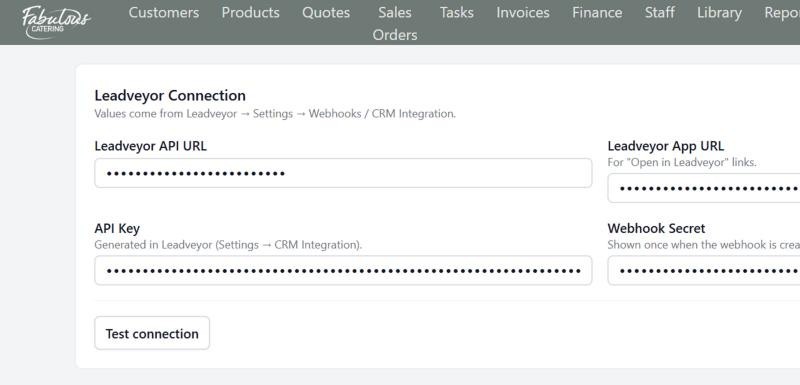
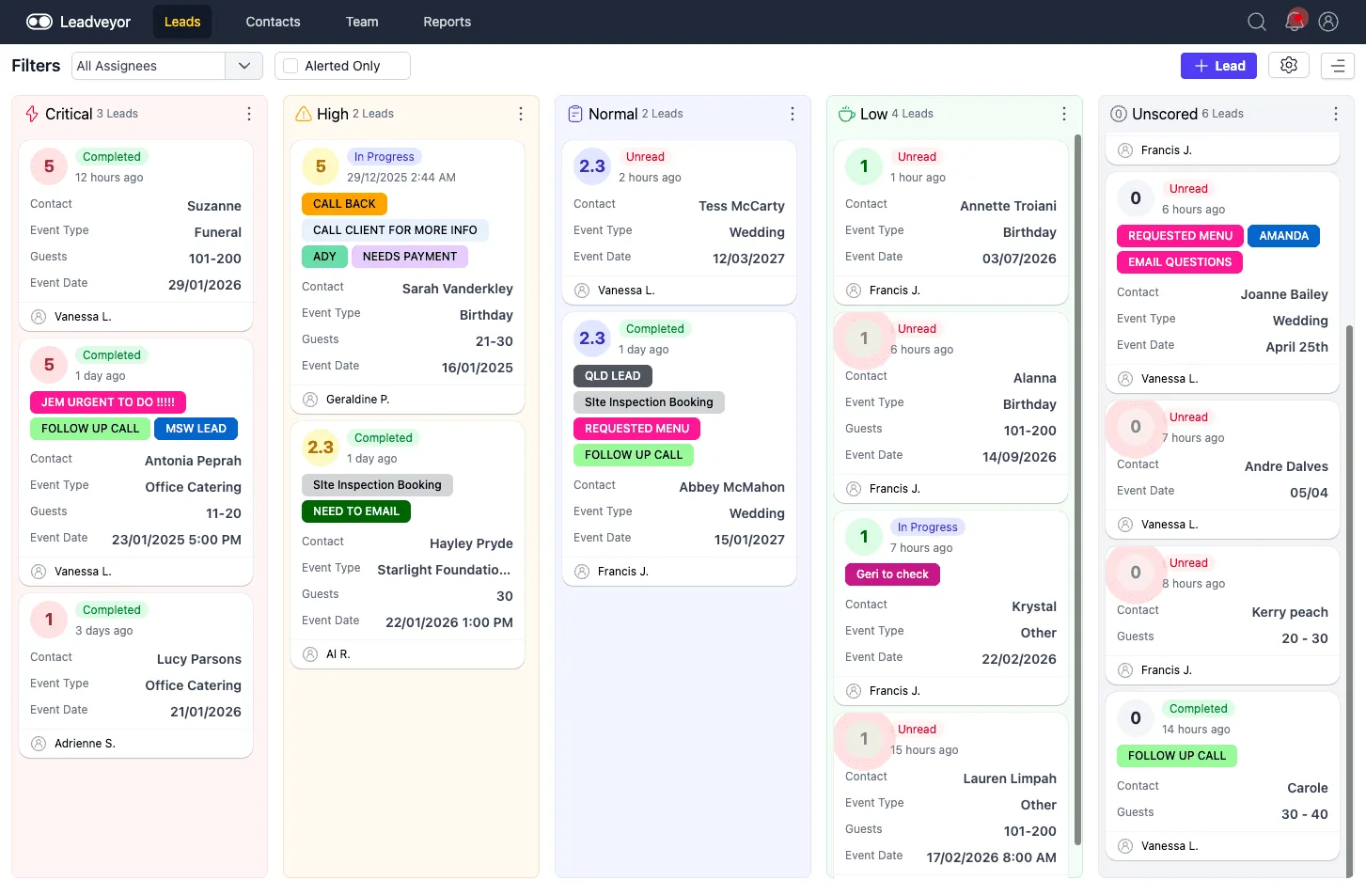
Leadveyor: catering enquiries sorted by priority, with event type, guests and date on every card.
Accounting & payments
Invoices, card payments and bank transactions reconcile themselves. Your bookkeeper stops chasing the office for paperwork.
Xero
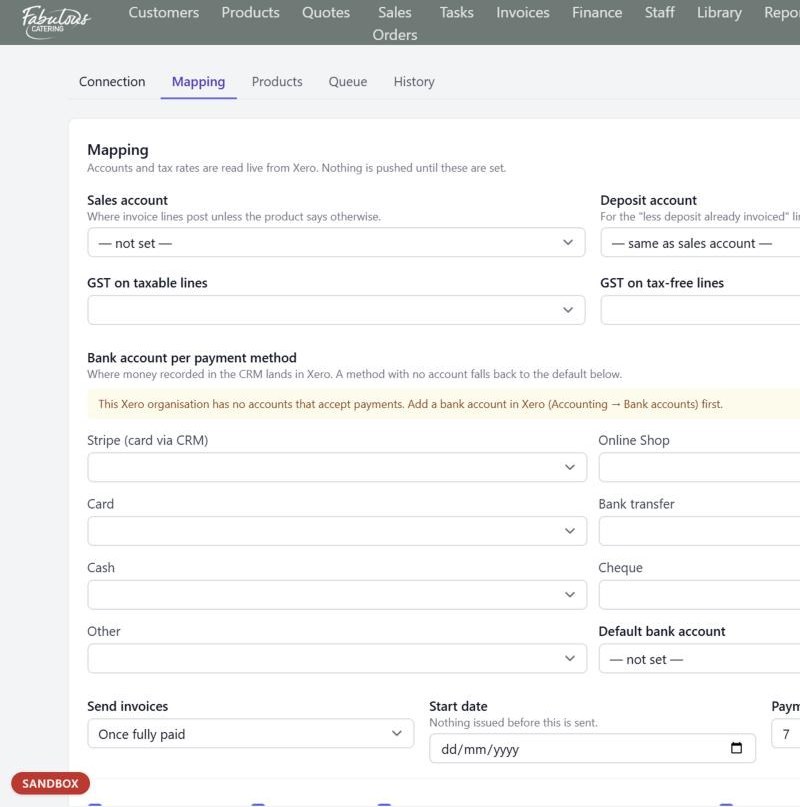
AccountingInvoices, deposit invoices and payments go across automatically, either as soon as they're raised or once they're fully paid. You choose.
Stripe
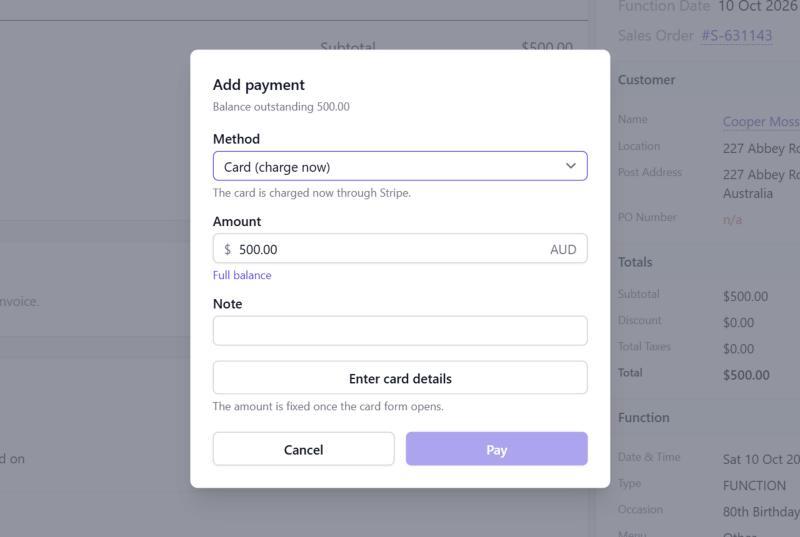
Card paymentsCharge a card straight from an invoice, or let customers pay themselves with Pay Now on their order or invoice page.
Bank feed
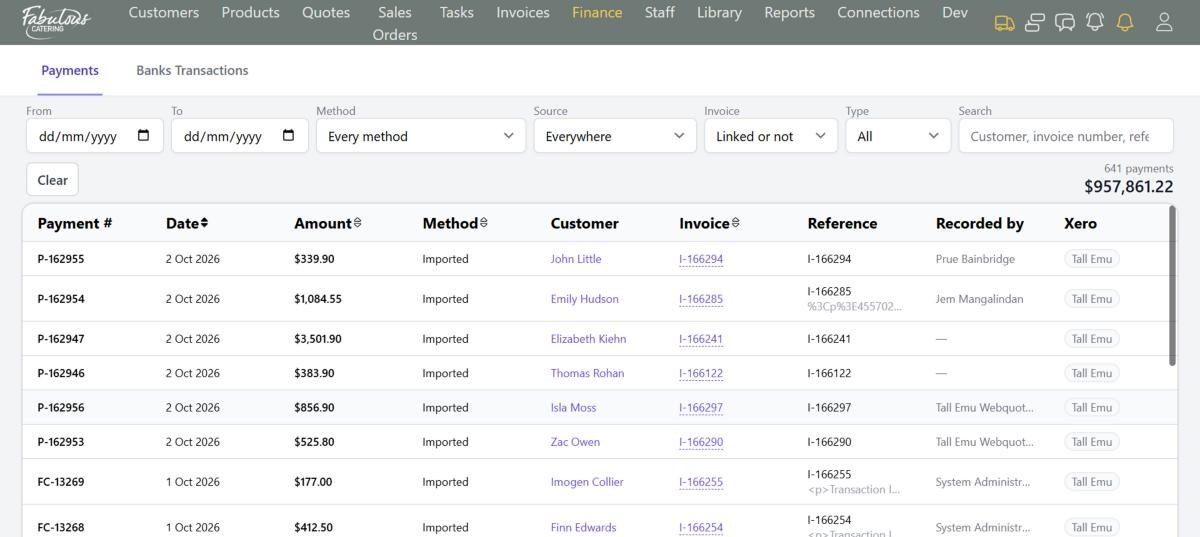
Open banking via SkriptConnect your business bank account and transactions appear in BooperCRM, ready to match to invoices.
Email & SMS
Send quotes, orders and invoices by email, text or both in one click. Routine messages send themselves.
Twilio SMS
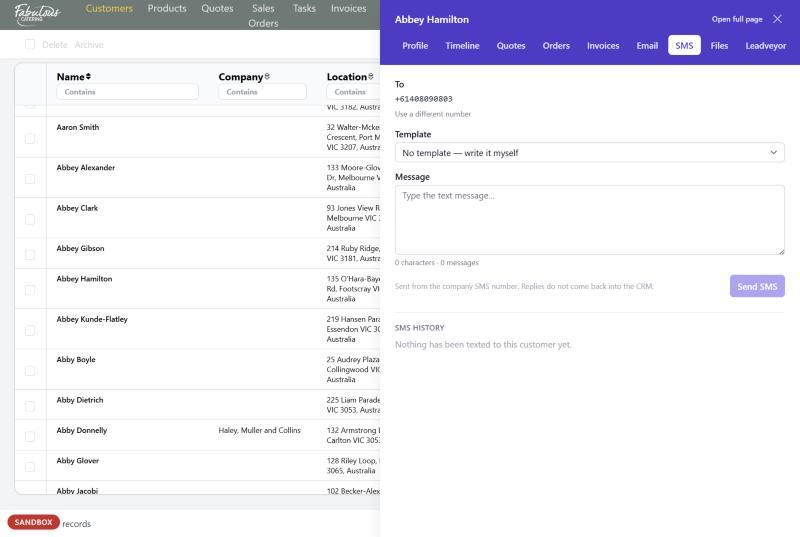
Text messagingText a quote, an order or an invoice link, or send automated texts to customers and staff from your company number. A test mode keeps customers safe while you set things up.
Your mailbox
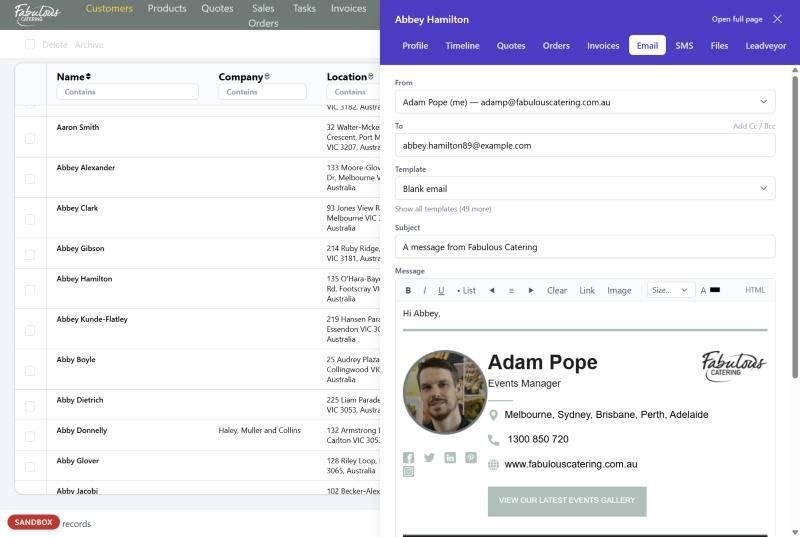
Email from your own addressEmails go from each staff member's own address, or a different From address for each trading name, with templates and your signature. Every message is logged on the customer's timeline.
Maps & calendars
Know how far a venue is before you quote, and put big jobs straight into the calendar your team already uses.
Google Maps
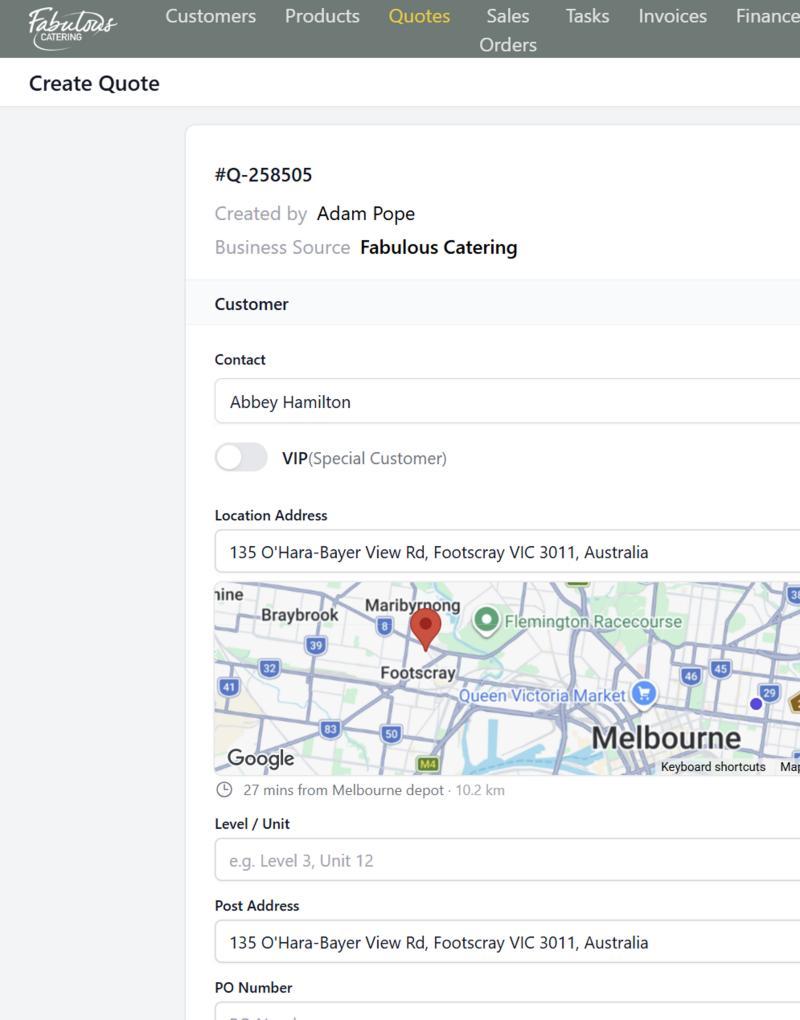
Addresses & drive timesAddress search on every quote, a mini map with a pin on the venue, and the drive time and distance from the depot that serves that state.
Calendars
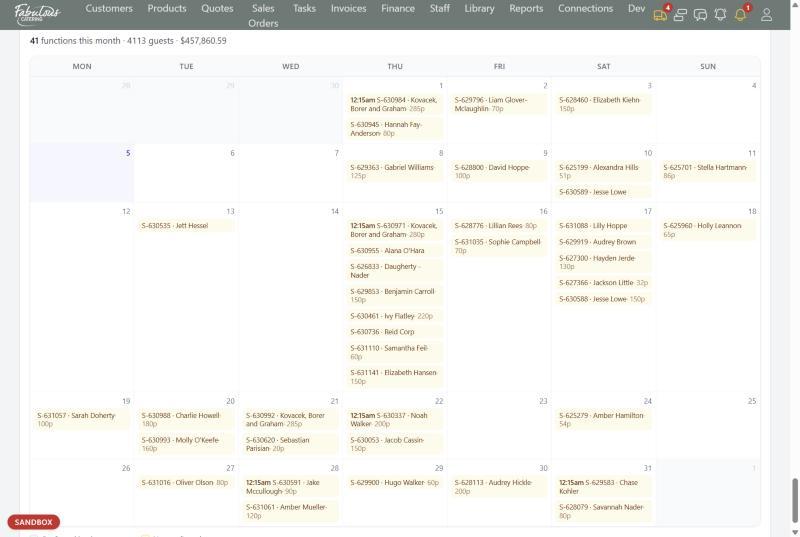
Outlook, Google & Apple CalendarAdd any job to your calendar from the Dashboard or the sales order. The calendar file opens in Outlook, Google Calendar or Apple Calendar.
Online shop
Orders from your website shop arrive ready to process. One click creates the sales order, the kitchen tasks and the delivery job.
Website shop
Online orderingA banner on the Dashboard tells you when shop orders are waiting. BooperCRM tells you exactly what needs fixing before an order can go through, so nothing gets stuck.
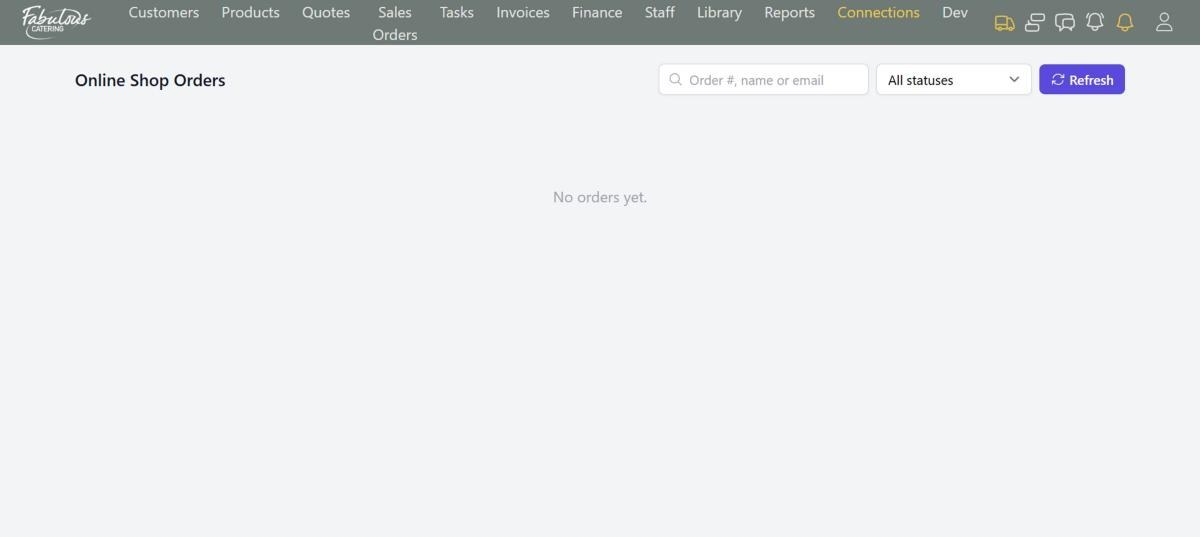
Shop order statuses
Import & export
Bring your customers and products with you, and get your data out whenever you like.
Import
CSV, XLS or XLSXUpload your contact list and product catalogue from a spreadsheet. History from your old system can be brought across too.
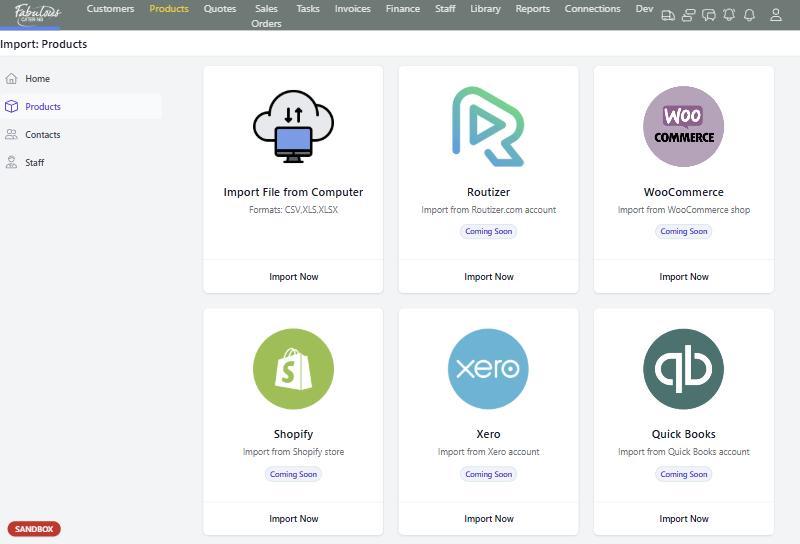
Export to Excel
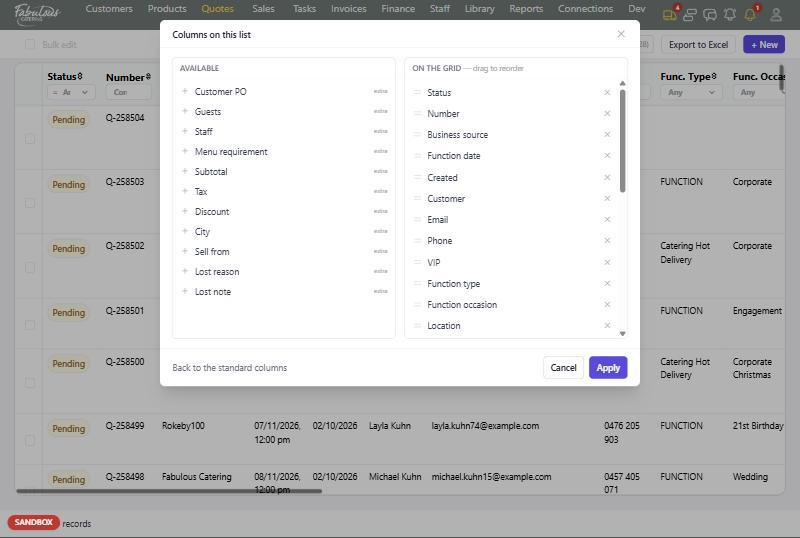
Every listEvery list in BooperCRM exports the rows you've filtered, and reports print to PDF or email themselves on a schedule.
Coming soon
Imports we're building next, so you can move your products and customers across from more systems.
Shopify
SoonProduct import.
WooCommerce
SoonProduct import.
QuickBooks
SoonProduct import.
Square
SoonProduct import.
Stripe products
SoonProduct import.
Routizer contacts
SoonContact and product import.
See your systems connected in a 30-minute demo.
We'll show you your own menu flowing from quote to kitchen to Xero.