Catering software that cuts the admin from every step.
BooperCRM runs the whole catering job in one system. Each step fills in the next, so a booking is typed once and flows on to the kitchen, the van, the invoice and Xero by itself.
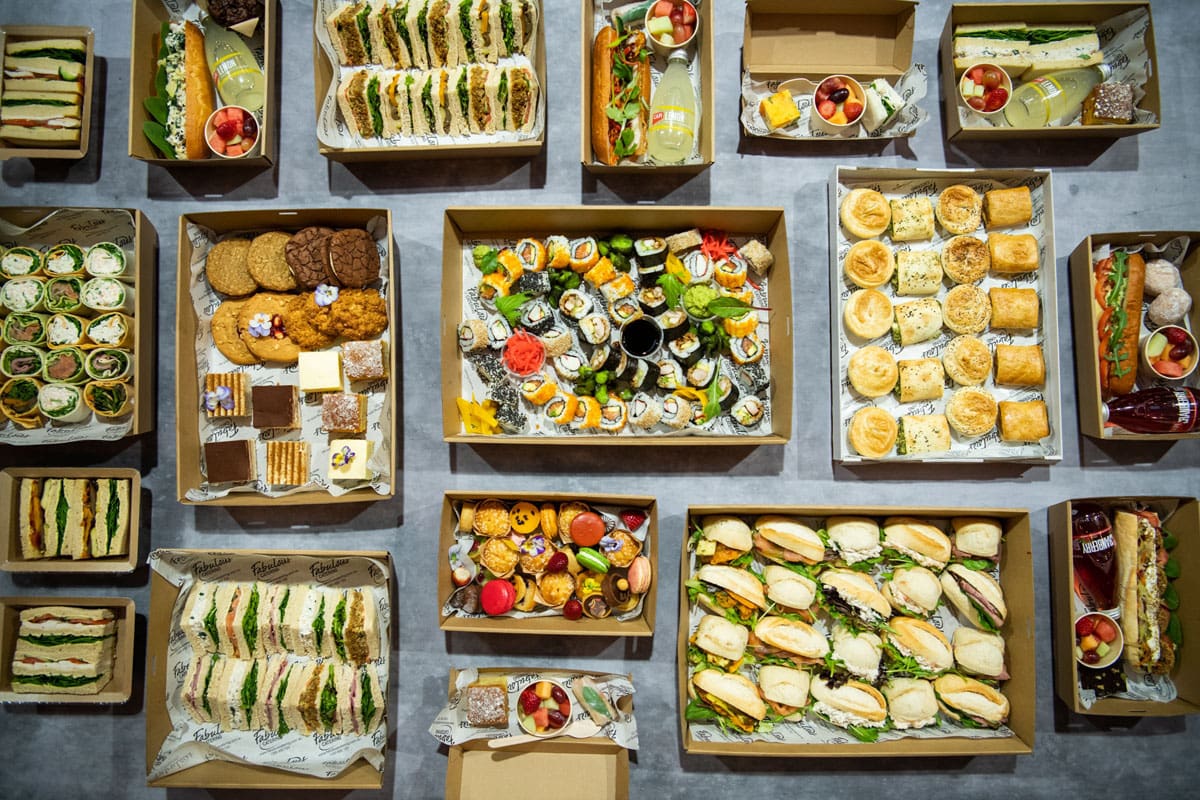
Drop-off & corporate
Office lunches and boardroom platters, including online shop orders.
Events & weddings
Online proposals, deposits, staff numbers and dietary checks.
Venues
A function calendar with guests, value and who has confirmed.
Multi-site kitchens
Several trading names and interstate branches, one set of numbers.
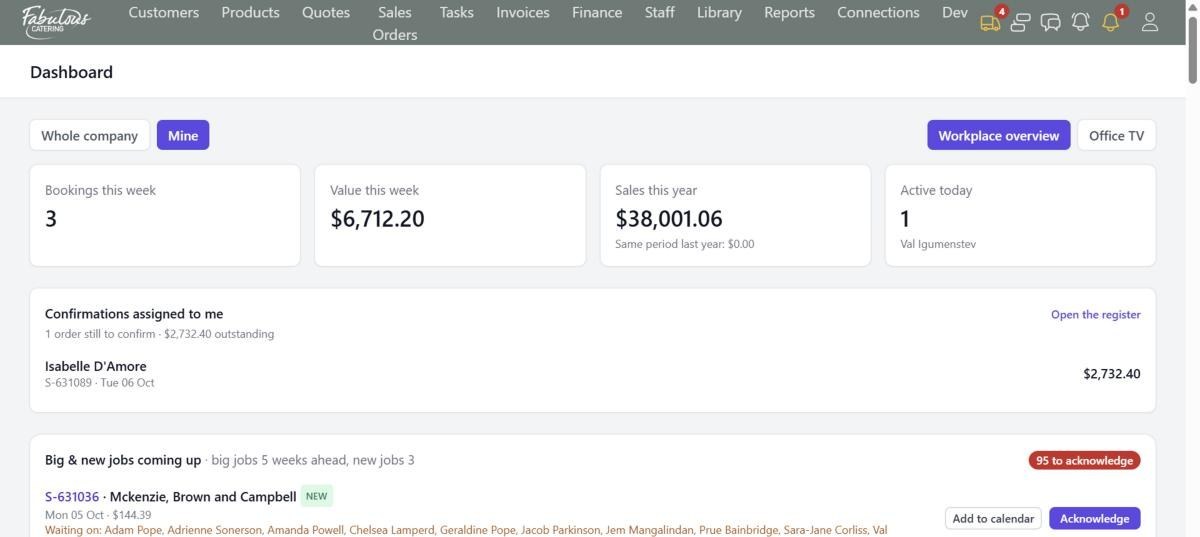
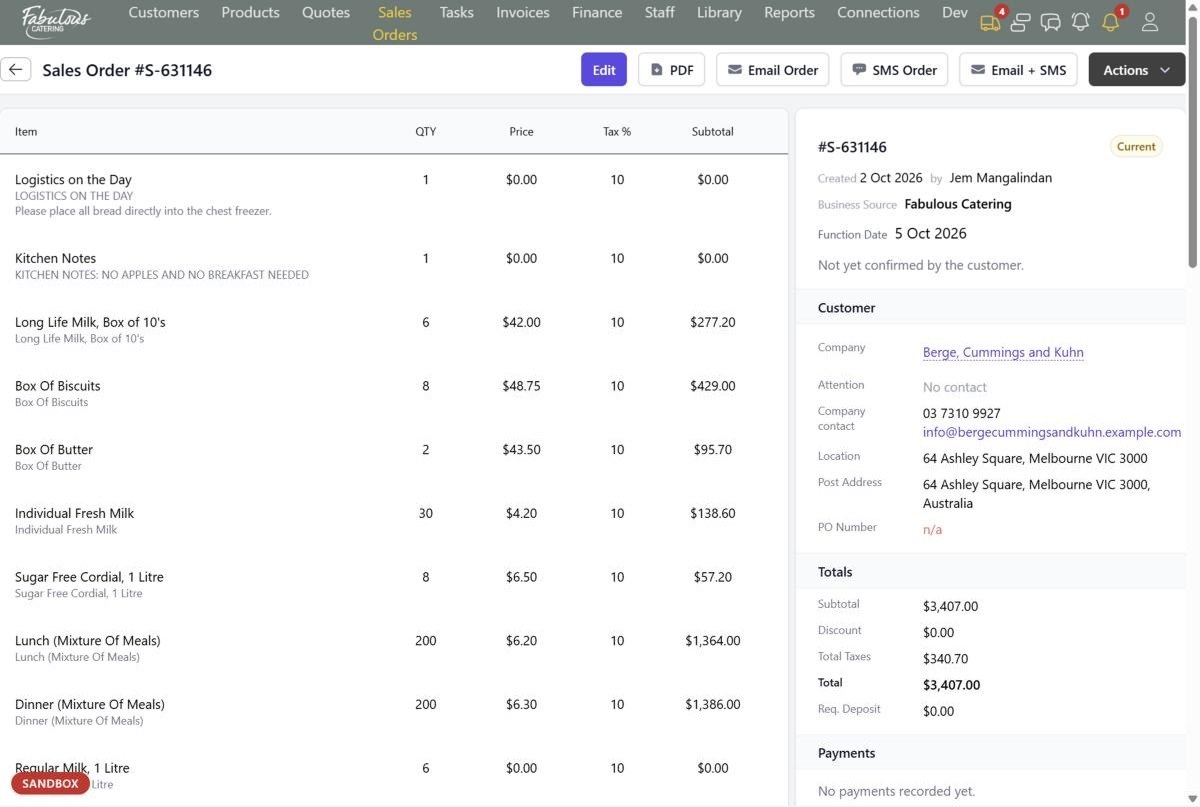
This is what your team sees every morning.
Real screens from BooperCRM with made-up customers. Click any one to see it full size, or take the full product tour →
From "can you cater 80 on Friday?" to paid, without re-typing anything.
Every step removes a job someone in your office does by hand today.
- 1
Contact
Leads, shop orders and phone calls land on one customer timeline with every quote, order, email and text.
No searching inboxes for the last order - 2
Quote
Fill it from a template scaled to the guest count. The CRM checks dietaries, minimums and drive time as you go.
No building menus line by line - 3
Book
The customer accepts online and the quote becomes a sales order, with the deposit carried across.
No phone tag to get a yes - 4
Confirm & cook
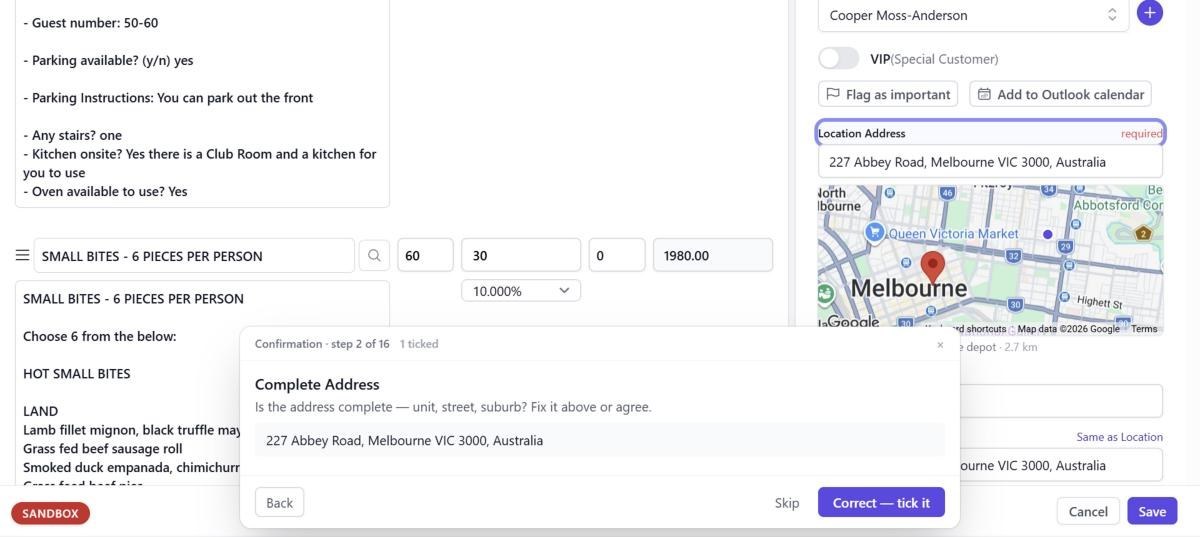
A 16-point confirmation checklist runs while every item becomes a task on the right kitchen station.
No handwritten kitchen dockets - 5
Deliver
The job goes to Routizer as a hot or cold delivery, and its delivery status comes back onto the order.
No "where is my order?" calls - 6
Get paid
Deposit and final invoices, card payments through Stripe, and everything sent to Xero without re-keying.
No re-keying into Xero
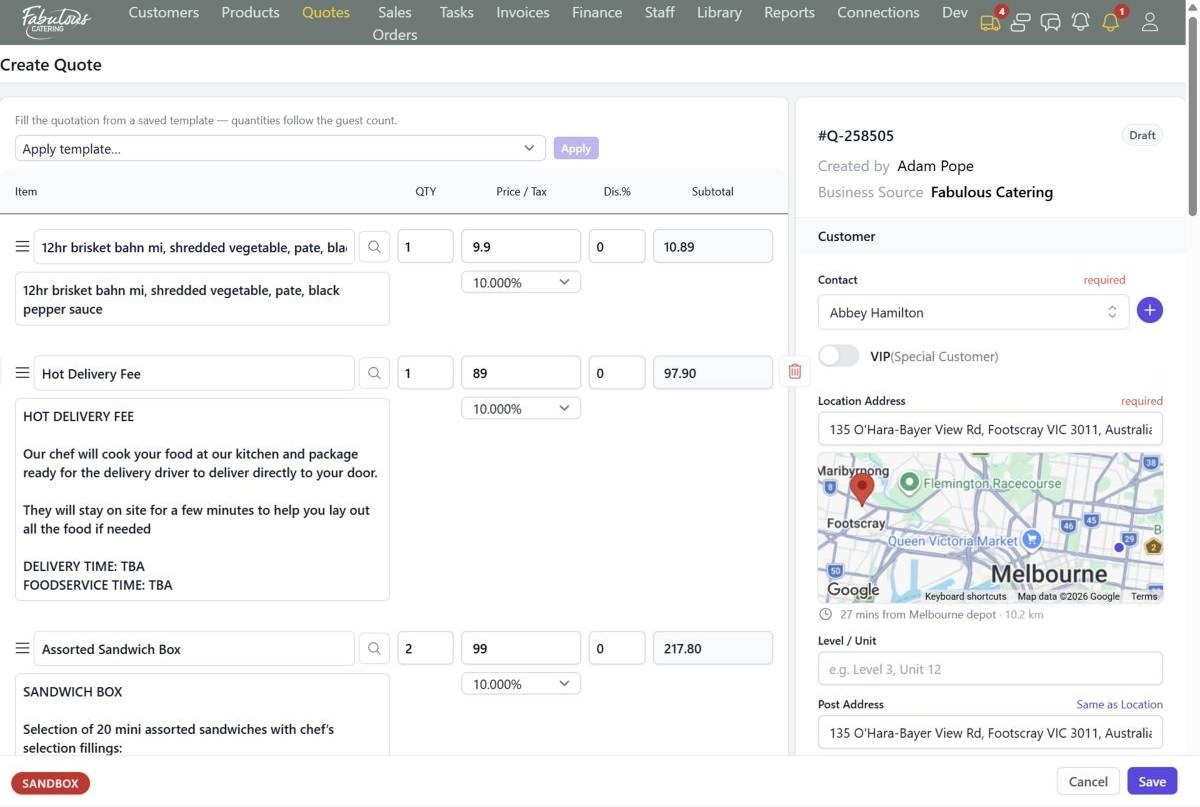
Quotes that catch the mistakes before the customer does
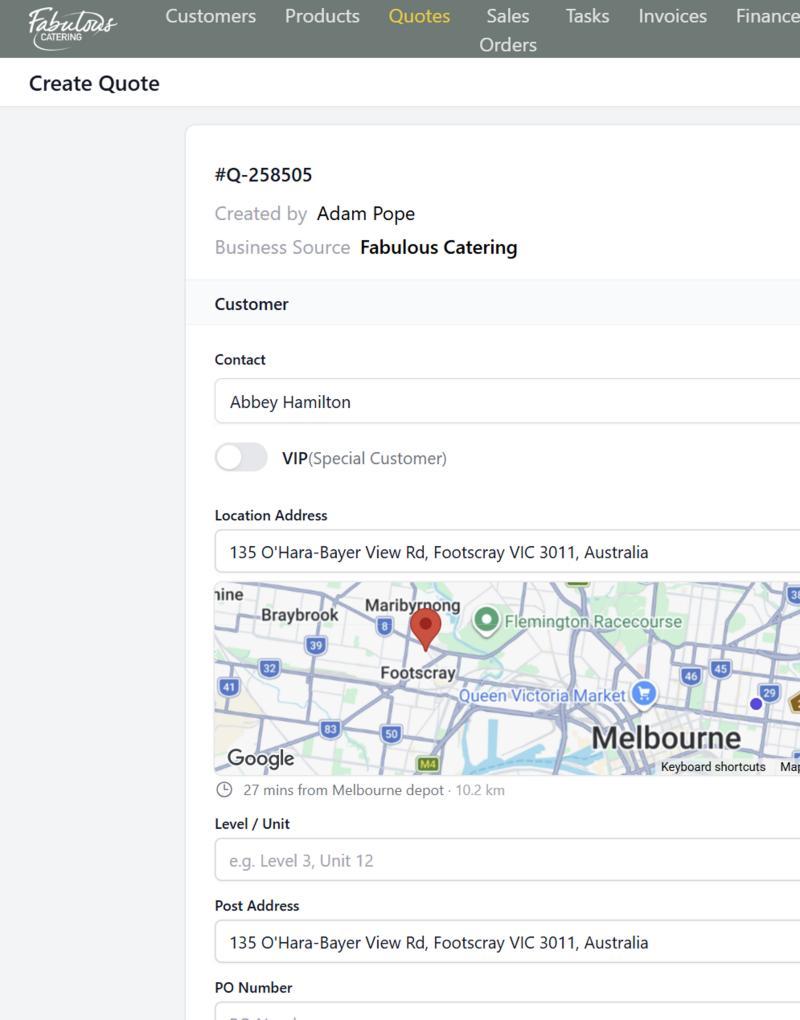
Apply a saved menu template and the quantities scale to the guest count. Save, and the CRM checks the quote before it goes anywhere.
- Warnings for jobs under the minimum, long drives for small jobs and food that won't travel
- Dietary needs checked against every product on the menu
- A mini map shows the drive time from your depot while you're still on the phone
- Blocked dates and double-booked trading names flagged on save
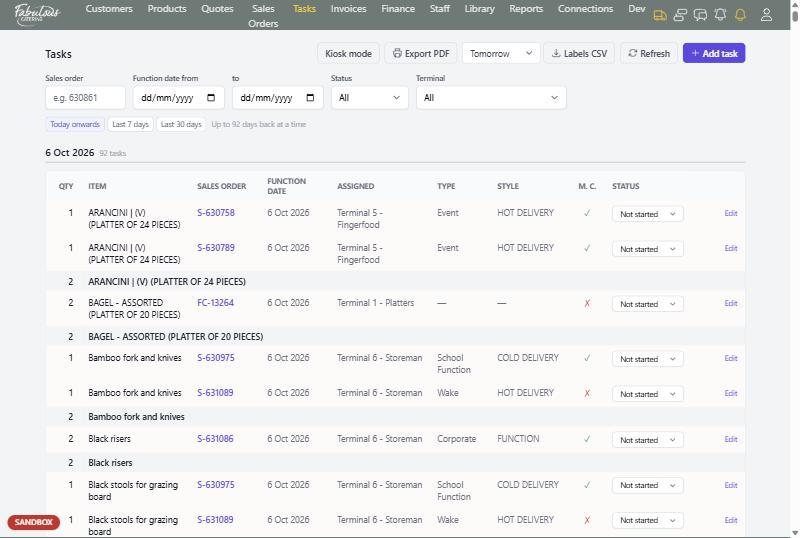
Every item on every order, on the right station's screen
Save an order and each product becomes a kitchen task, sent to the station that makes it. Packages split into one task per item, so nothing gets missed because it was in someone's inbox.
- Kiosk mode for a tablet at each station: Start, Print label, Stop
- Totals per item across all orders for the day
- A "menu confirmed" tick, so chefs know when quantities might still change
- Picking lists for the warehouse, green when the job is confirmed
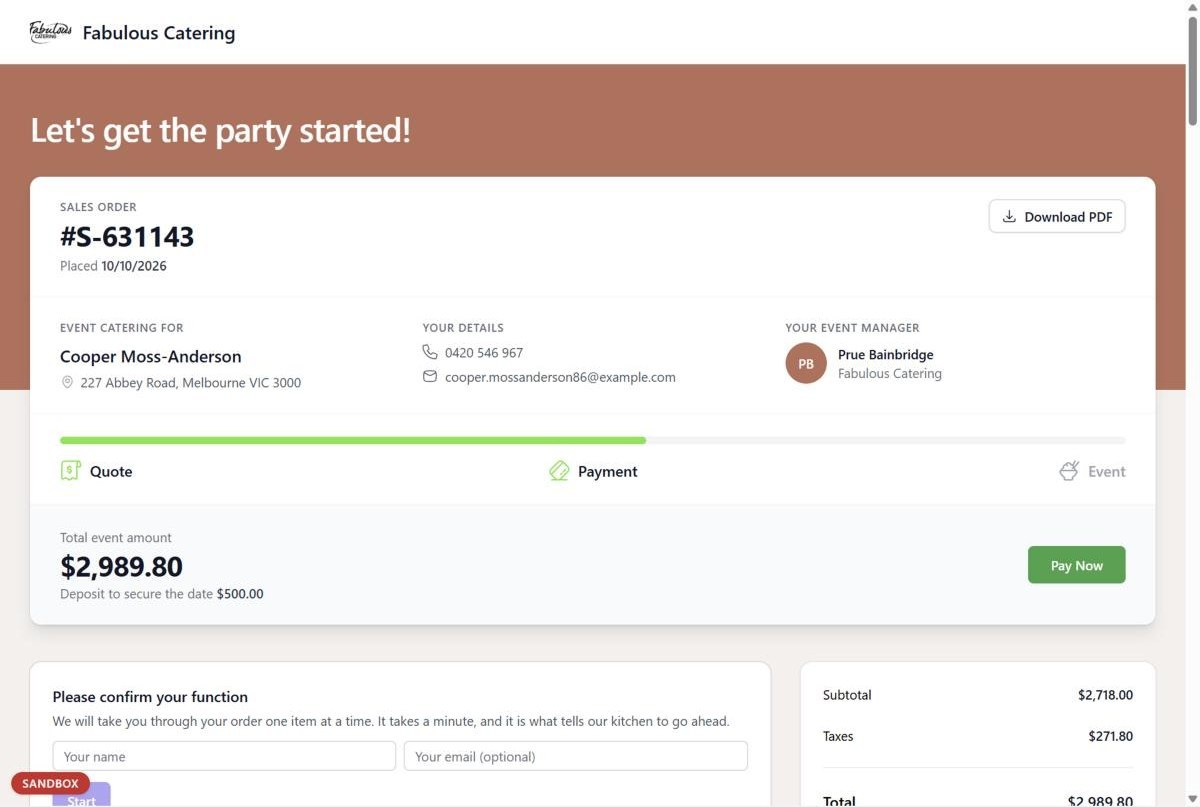
Customers accept, confirm and pay without picking up the phone
Every quote, order and invoice has a link to the customer's own page. They read the proposal, say yes, and pay by card in a couple of minutes.
- Accept, ask for changes, or decline with a reason, all from the link
- See who has opened the proposal and who hasn't looked yet
- Customers confirm their function item by item before the day
- Pay the deposit or balance by card, recorded against the invoice automatically
One login for the front office, the kitchen and the vans.
No more juggling a spreadsheet, a calendar, an invoicing app and a group chat. These come standard.
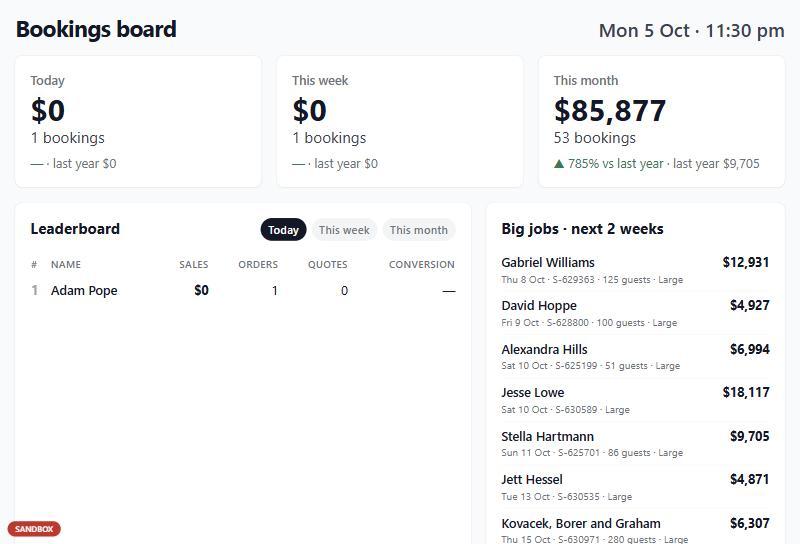
Dashboard & Office TV
Today's bookings, this week's value and sales against last year, plus a full-screen leaderboard for the office wall.
Customers & companies
A timeline of every quote, order, invoice, email and text, with VIP flags and sale levels for your best clients.
Product catalogue
Prices, costs, hot or cold, dietary suitability and packages that split into one kitchen task per item.
Quotes & templates
Saved menus that scale to the guest count, follow-up dates and owners, and built-in checks on every save.
Online proposals
Customers accept, ask for changes or decline with a reason. You see who opened it and who hasn't.
16-point confirmation
Address, parking, guests, dietaries, equipment, PO and payment, walked through one question at a time.
Kitchen tasks & kiosk
Each station sees only its own work on a big-card screen, with label printing built into Start and Stop.
Delivery with Routizer
Orders go to Routizer as hot or cold deliveries, and the delivery status shows on the sales order.
Invoices & payments
Deposit and final invoices from the order, card payments through Stripe, statements and past-due tracking.
Xero & bank feed
Invoices and payments flow to Xero on their own. Connect your bank to match money received to invoices.
Email & SMS
Send any quote, order or invoice by email, text or both, from templates with your own signature.
Automations
Chase unanswered quotes, ask how the event went, and flag short-notice jobs. Customer messages wait for your OK.
Ten built-in reports
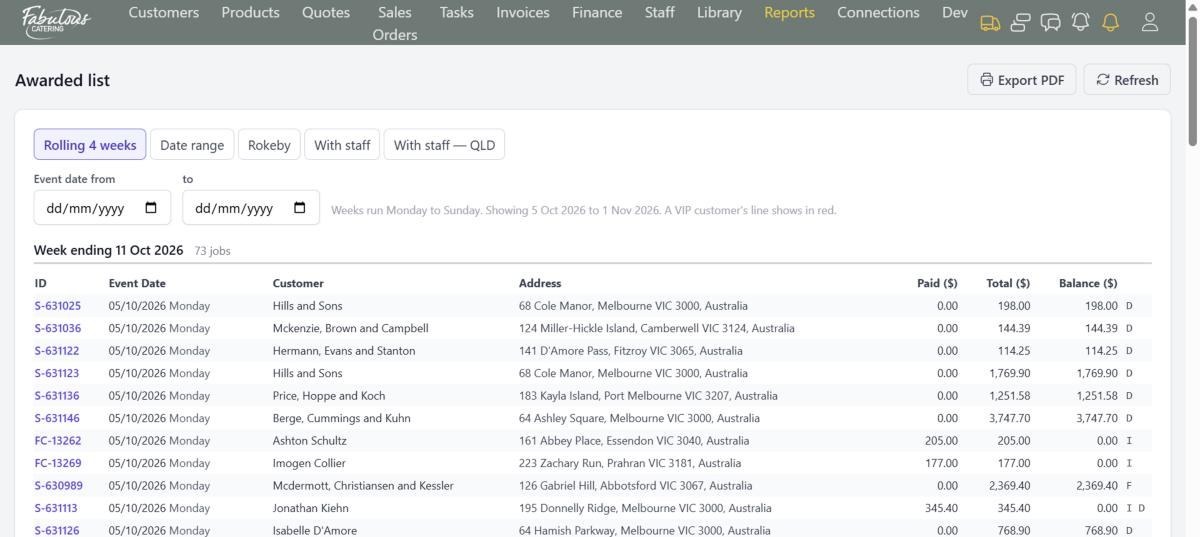
Awarded list, bookings, five-year comparisons, conversion by person, function calendar and more, emailed on a schedule.
Brands & branches
Quote under several trading names, run depots in different states, and have each branch accept its own orders.
Roles & phone view
Access set by role, from sales to chef to branch manager, and a simple mobile view for staff on the go.
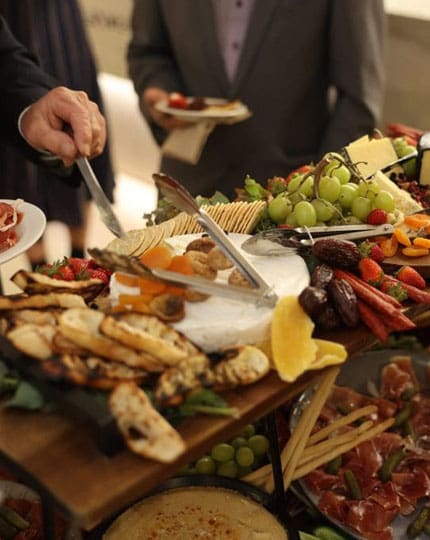
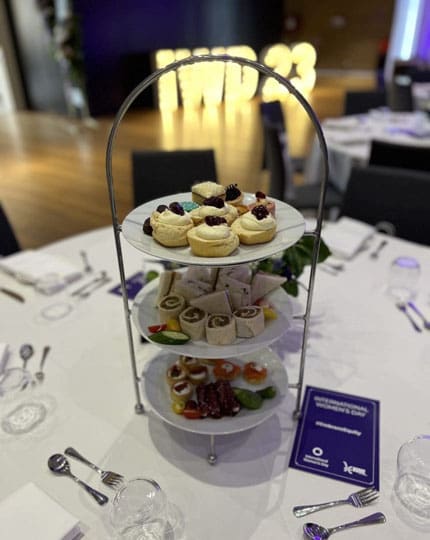
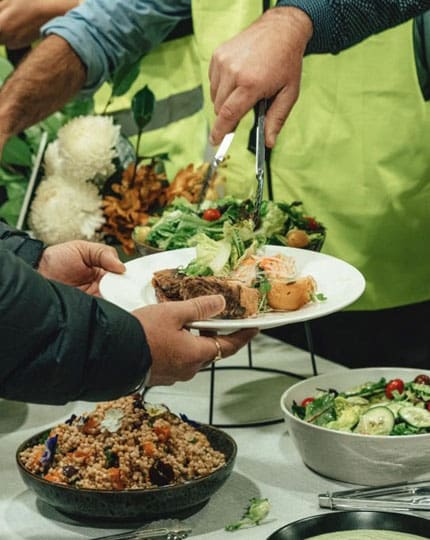
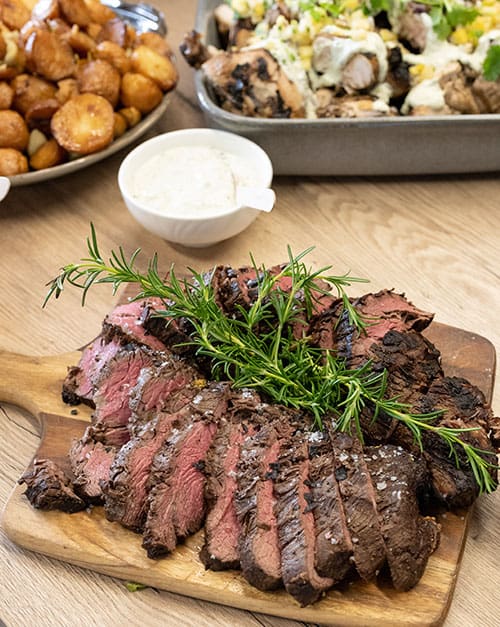
Platters at 7am, spit roast at 7pm. Same system.
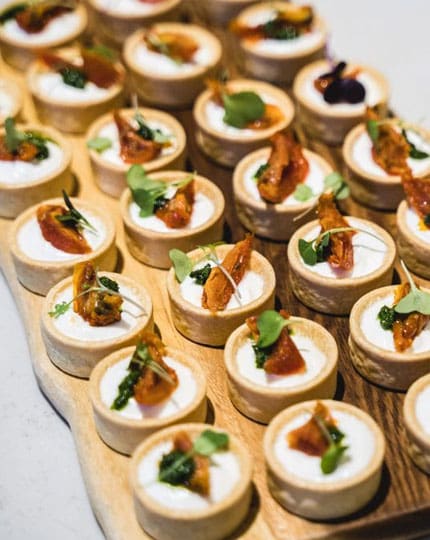
Every product knows whether it's hot or cold, which dietaries it suits and which kitchen station makes it.

Leads, orders and delivery working as one.
BooperCRM connects directly to Leadveyor for winning new clients and Routizer for getting every order out the door. On the Pro plan, both are included.
Leadveyor
Scores every catering enquiry so your team calls the best ones first.
- New leads arrive in BooperCRM as they happen
- Overdue follow-ups listed for each salesperson
- Reports join leads to quotes and bookings
BooperCRM
Quotes, sales orders, kitchen tasks, invoicing and reporting.
- One record for every client and order
- Kitchen tasks created from every order
- Xero sync and Stripe card payments
 Deliver on time
Routizer
Turns the day's orders into delivery runs, with every driver on one map.
- Orders sent across as hot or cold deliveries
- Route optimisation and a driver app
- Delivery status back on every sales order
Plugs into the tools you already pay for.
Data moves between systems on its own. Nobody copies an invoice into Xero or a delivery address into a driver's phone. See all integrations →
Simple monthly plans. No lock-in contract.
Every plan includes quotes, sales orders, kitchen tasks, invoicing, card payments and Xero sync.
For a single kitchen getting off spreadsheets.
- 5 users
- Customers, products & quote templates
- Online proposals customers accept & pay
- Kitchen tasks, kiosk mode & labels
- Invoices, Stripe payments & Xero sync
- Email support
The full package: CRM, leads and delivery in one.
- 10 users
- Everything in Starter
- Routizer delivery & driver app included
- Leadveyor lead generation included
- Automations & scheduled reports
- Priority phone support
For caterers running several kitchens or cities.
- Multiple trading names & depots
- Everything in Pro
- Interstate branch acceptance
- Branch manager roles
- Reports split by state and brand
- Dedicated onboarding manager
Compare every feature by plan →
Prices in AUD, excl. GST. Extra users $50/month each. One-off setup from $500 includes moving your menus and customer list.
Things caterers ask us first.
Can you move my existing menus and customers across?
Yes. Contacts and products import from CSV or Excel files, and our onboarding team does the setup for you, including your quote templates and kitchen stations.
Does it work for both drop-off catering and full-service events?
Yes. Hot and cold deliveries, staffed functions and big VIP events all run in the same system, with the function type, occasion and guest numbers on every job.
What does my customer actually see?
A link to their own page for each quote, order and invoice. They can read the proposal, accept it, ask for changes, confirm their function and pay by card.
Does it work with Xero?
Yes. Once your accounts are mapped, invoices, deposit invoices and payments are sent to Xero automatically, either when they are raised or once they are fully paid.
Can clients order directly from my website?
Yes. Orders from your online shop arrive in BooperCRM with the customer and payment attached. Process them and the sales order, kitchen tasks and delivery job are created in one step.
Can my team use it on their phones?
Yes. A simplified mobile view covers the Dashboard, customers, quotes, sales orders, tasks and invoices. Kitchen stations can run Kiosk mode on a tablet.
Am I locked into a contract?
No. Plans are month to month, and every list in BooperCRM exports to Excel.