Catering invoicing that raises itself from the order and syncs to Xero.
Raise a deposit invoice to secure the date and a final invoice for the balance, in one click each. Charge a card through Stripe, let customers pay online, or record a transfer. Xero gets everything without anyone re-keying it.
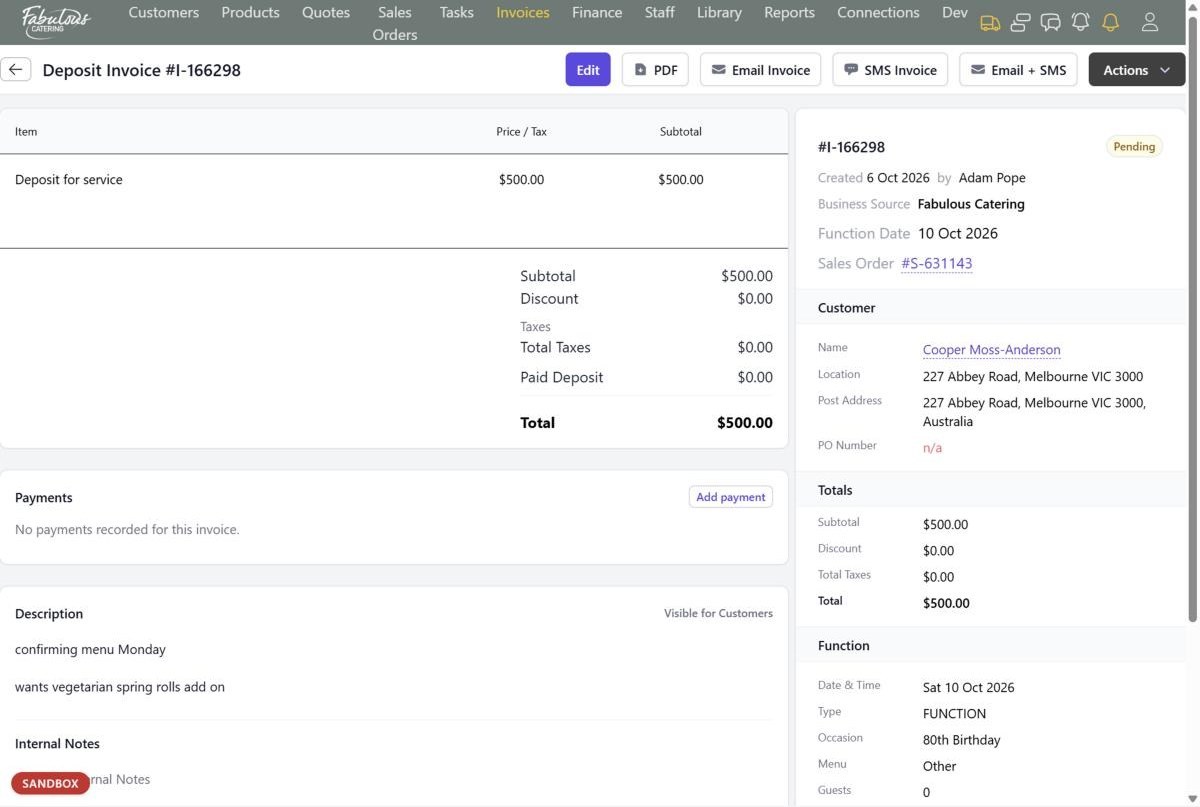
Deposit and final invoices
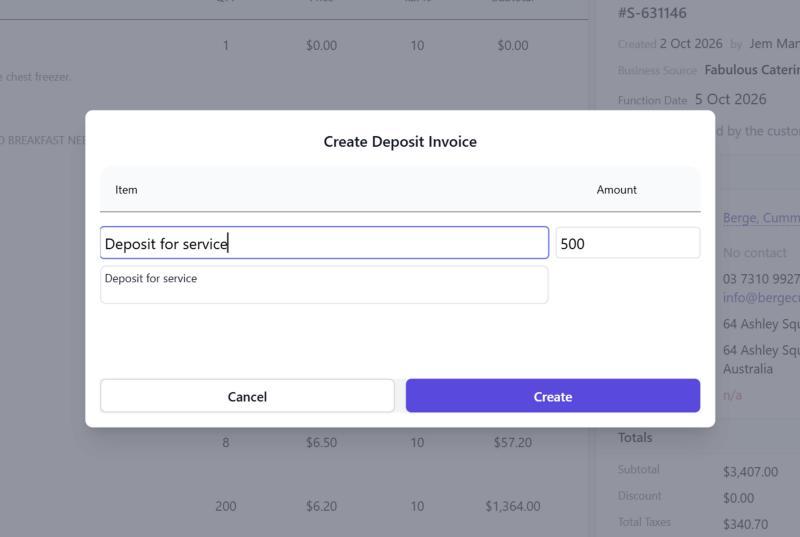
The deposit invoice starts at the order's required deposit. The final invoice carries every item and takes off any deposit already paid.
- Raised from the order, never from scratch
- Statuses from Pending to Partly Paid and Paid
- Past Due after your payment terms
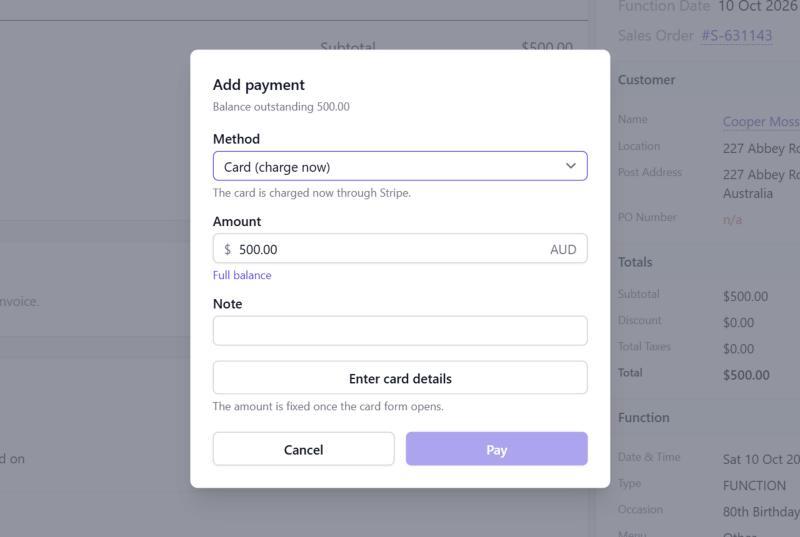
Take payment any way
Charge a card straight from the invoice through Stripe, or record a bank transfer, cash or cheque you've already received.
- Customers can pay themselves with Pay Now
- The order's balance updates instantly
- The office can be told when an outstanding invoice is paid
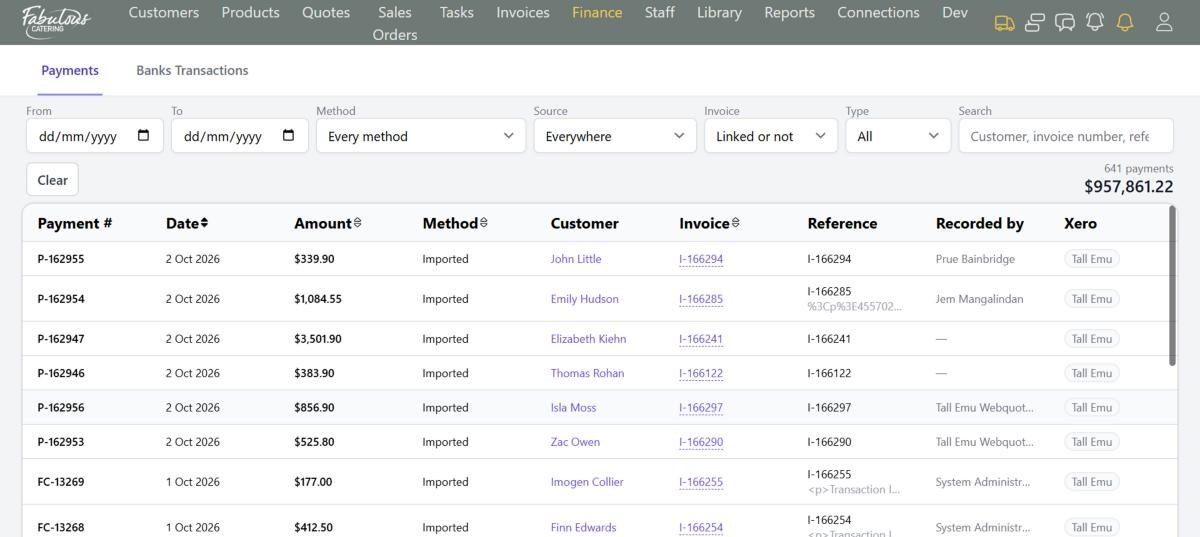
Every payment in one list
Finance shows every payment and refund wherever it came from, with totals that follow your filters and the Xero status of each.
- Filter by date, method, source and type
- Find money received but not matched to an invoice
- Connect your bank feed to match transactions
Four steps, most of them automatic.
Raise the deposit
One click from the order.
Take payment
Card, online or recorded.
Raise the final invoice
The deposit is taken off automatically.
Xero updates
Invoices and payments go across on their own.
Invoicing & payments: common questions
When do invoices go to Xero?
You choose: as soon as they're raised, or once they're fully paid.
Can I send a statement?
Yes. Tick the invoices on the list and choose Statement.
Works together with the rest of the day.
See invoicing & payments with your own menu.
Start a 14-day free trial, or book a 30-minute demo.