A catering dashboard that shows today's work before your coffee's cold.
The Dashboard is the first screen after sign-in. It shows this week's bookings and value, sales against last year, the confirmations you still owe, and the big jobs coming up, for the whole company or just your own work.
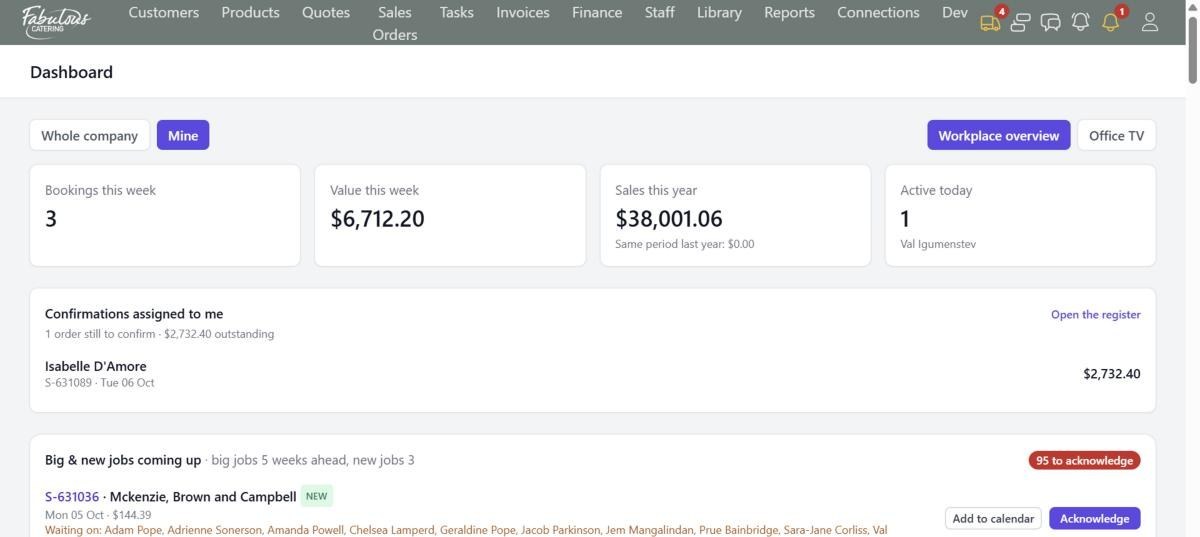
Whole company, or just mine
Two buttons switch every number on the page. Managers see the business; salespeople see their own week and their own sales for the year.
- Bookings this week and their dollar value
- Sales this year against the same period last year
- Who has been working in the CRM today
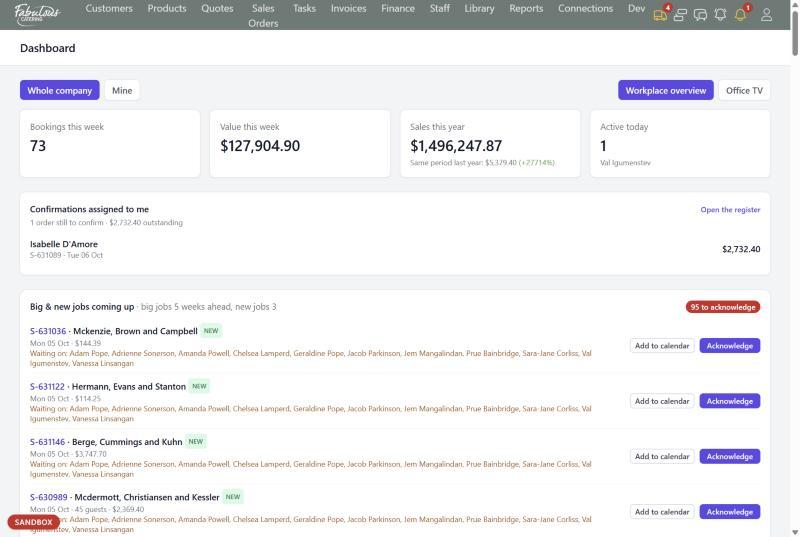
Big and new jobs, acknowledged by the team
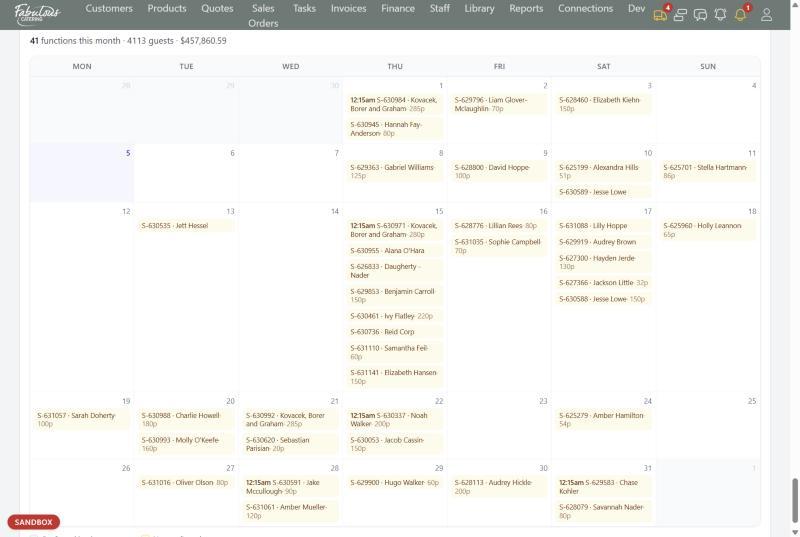
The briefing list shows large jobs for the next five weeks and new jobs for the next three. Everyone acknowledges what they've seen, and the list shows who hasn't yet.
- NEW and LARGE tags on every job
- A Waiting on line that names who hasn't acknowledged
- Add any job to Outlook, Google or Apple Calendar
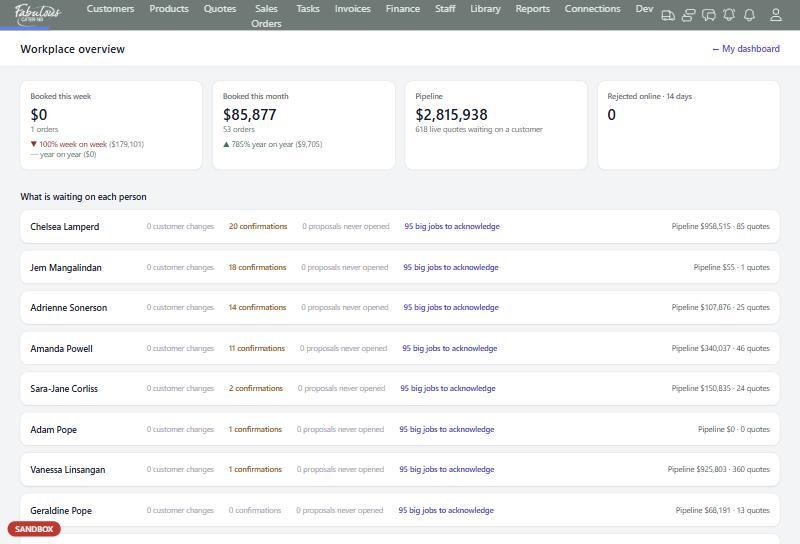
What's waiting on each person
Workplace overview is the manager's view: booked this week and month against last year, the live pipeline, quotes declined online, and a row for each staff member with what's waiting on them.
- Change requests, confirmations and unopened proposals per person
- Each person's pipeline value and quote count
- Click any number to open that list
Office TV for the wall
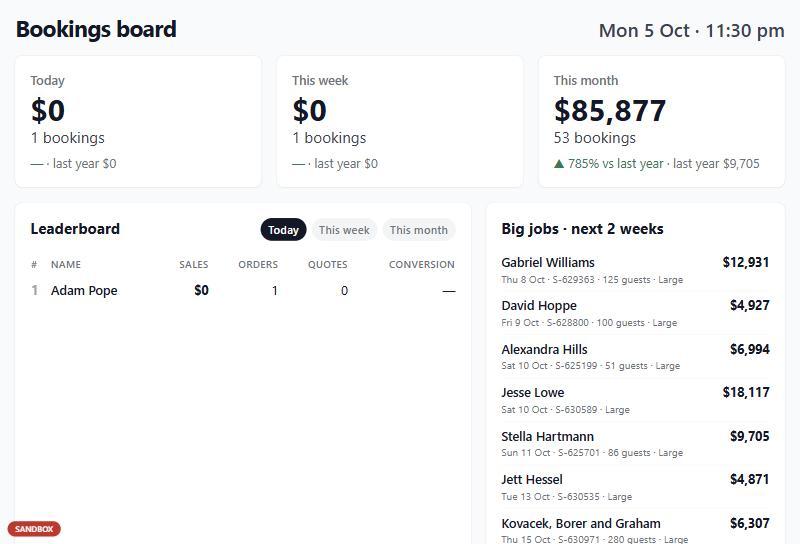
A full-screen bookings board with no menu: today, this week and this month against last year, a sales leaderboard, big jobs for the next two weeks and bookings per day.
- Leaderboard of sales, orders, quotes and conversion
- Switch between today, this week and this month
- Made for a screen in the office
Four steps, most of them automatic.
Sign in
The Dashboard opens with today's numbers.
Work your confirmations
Orders you still need to confirm are listed with the amount outstanding.
Acknowledge new jobs
Mark big and new jobs as seen so the team knows you're across them.
Check the team
Managers open Workplace overview to see what's waiting on whom.
Dashboard: common questions
Can I see only my own jobs?
Yes. Switch the Dashboard to Mine and every number shows only the jobs you own.
What counts as a large function?
Anything flagged, VIP, or $4,000 and over appears on the large functions calendar.
Works together with the rest of the day.
See dashboard with your own menu.
Start a 14-day free trial, or book a 30-minute demo.